Activity heatmap
Spot the days when walking actually stayed part of the work routine.
 Paceora
 Paceora for macOS
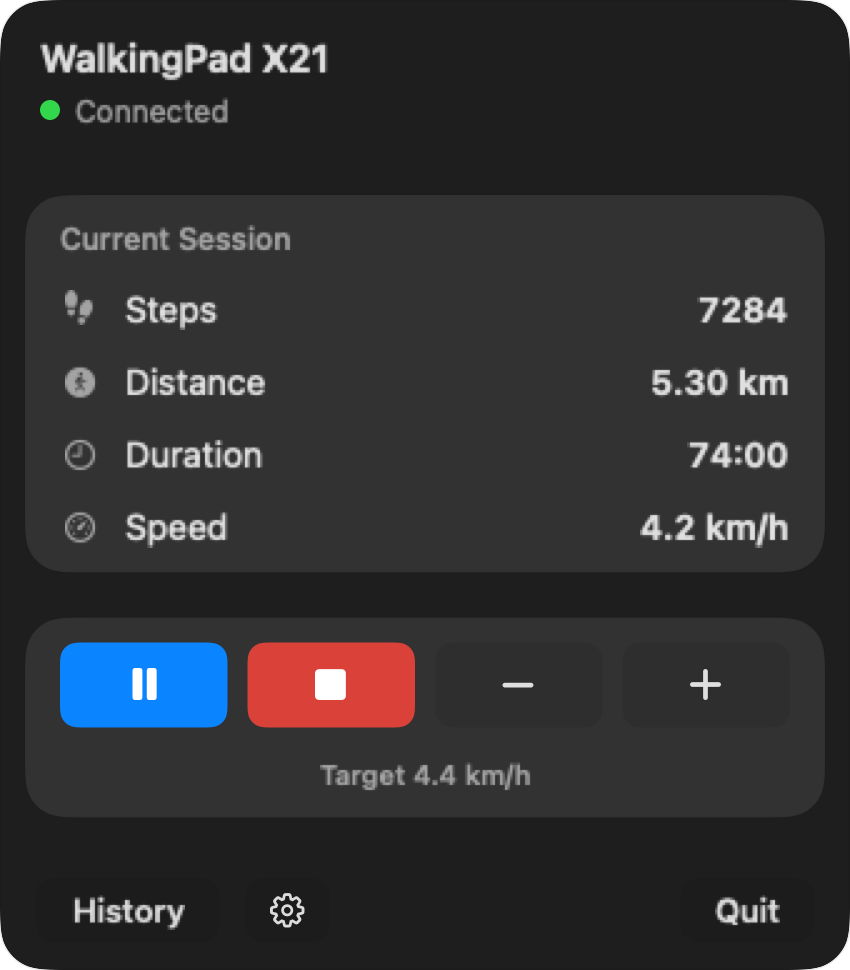
Paceora is a native macOS app that replaces the phone-first treadmill workflow. Start, stop, and adjust speed without leaving your desk.
Works with WalkingPad C2, A1 Pro, R1 Pro, X21, and X25. Full compatibility details
History
Track your steps, distance, and streaks with a built-in activity log.
Active 5 days
Distance activity across the selected range
Spot the days when walking actually stayed part of the work routine.
Check steps, distance, and time without leaving the desktop workflow.
Review a week, month, year, or the full history when habits drift.
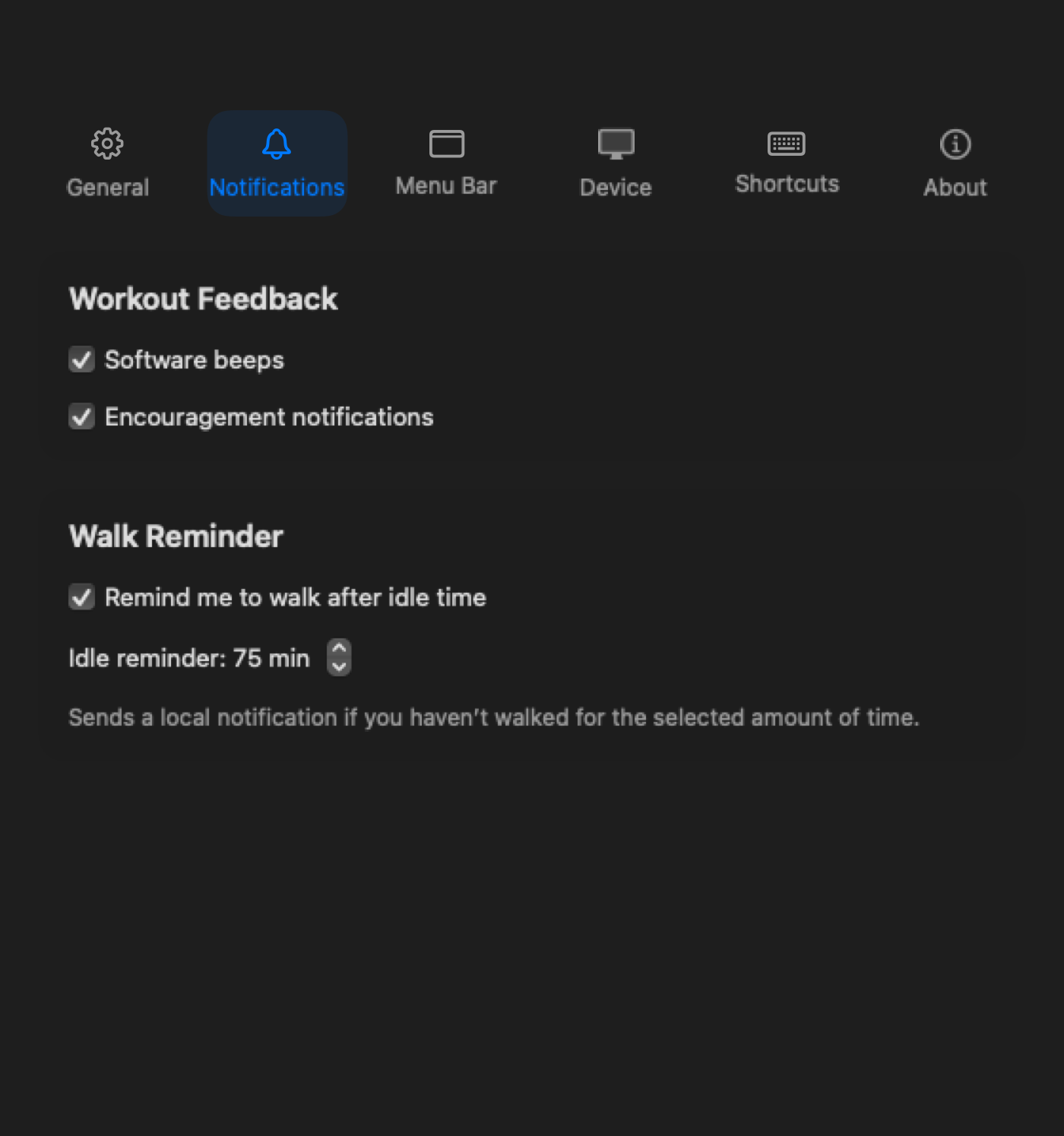
Walk Reminder
Been sitting too long? Paceora sends a quiet notification to get you moving again.
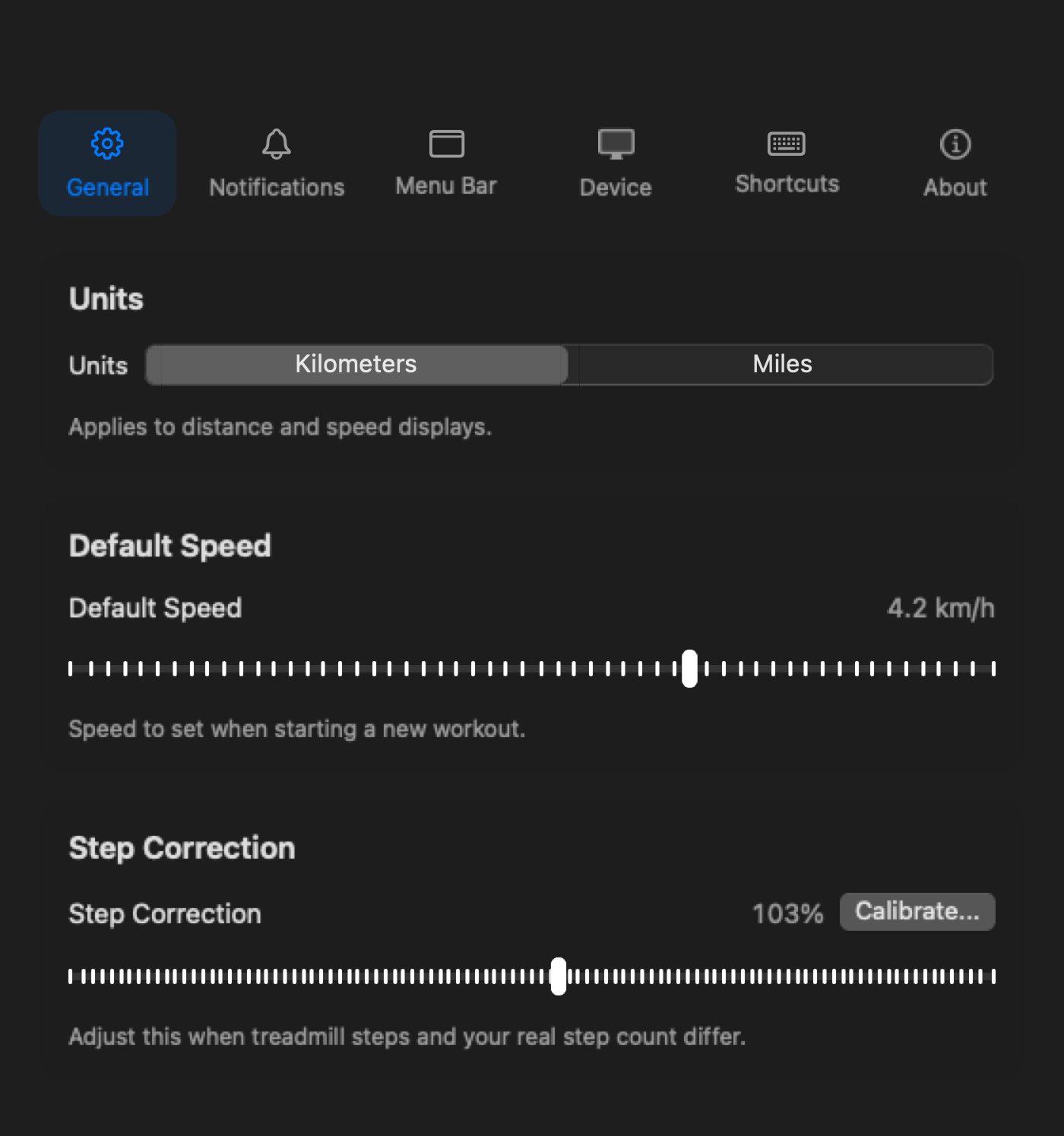
Settings
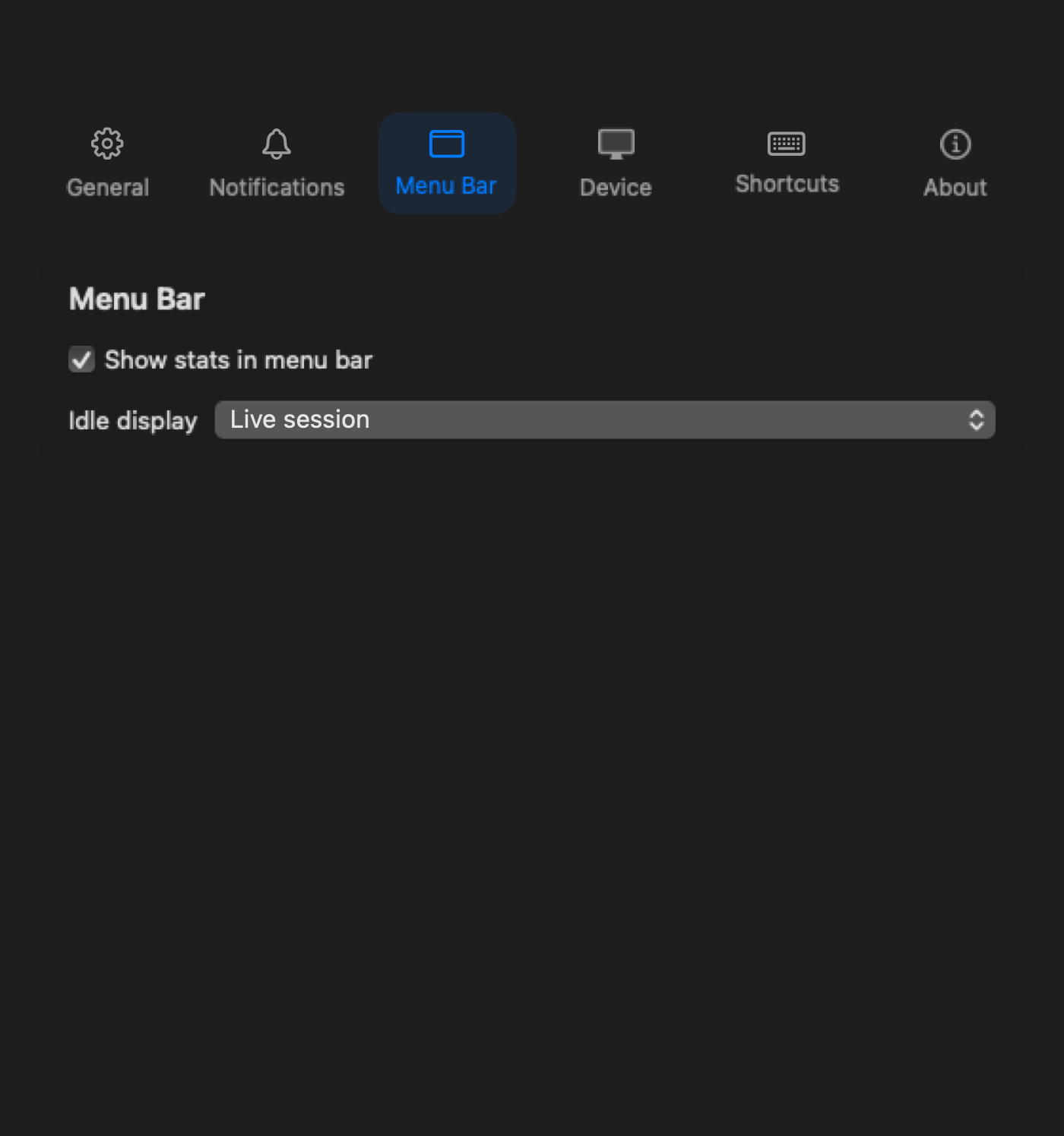
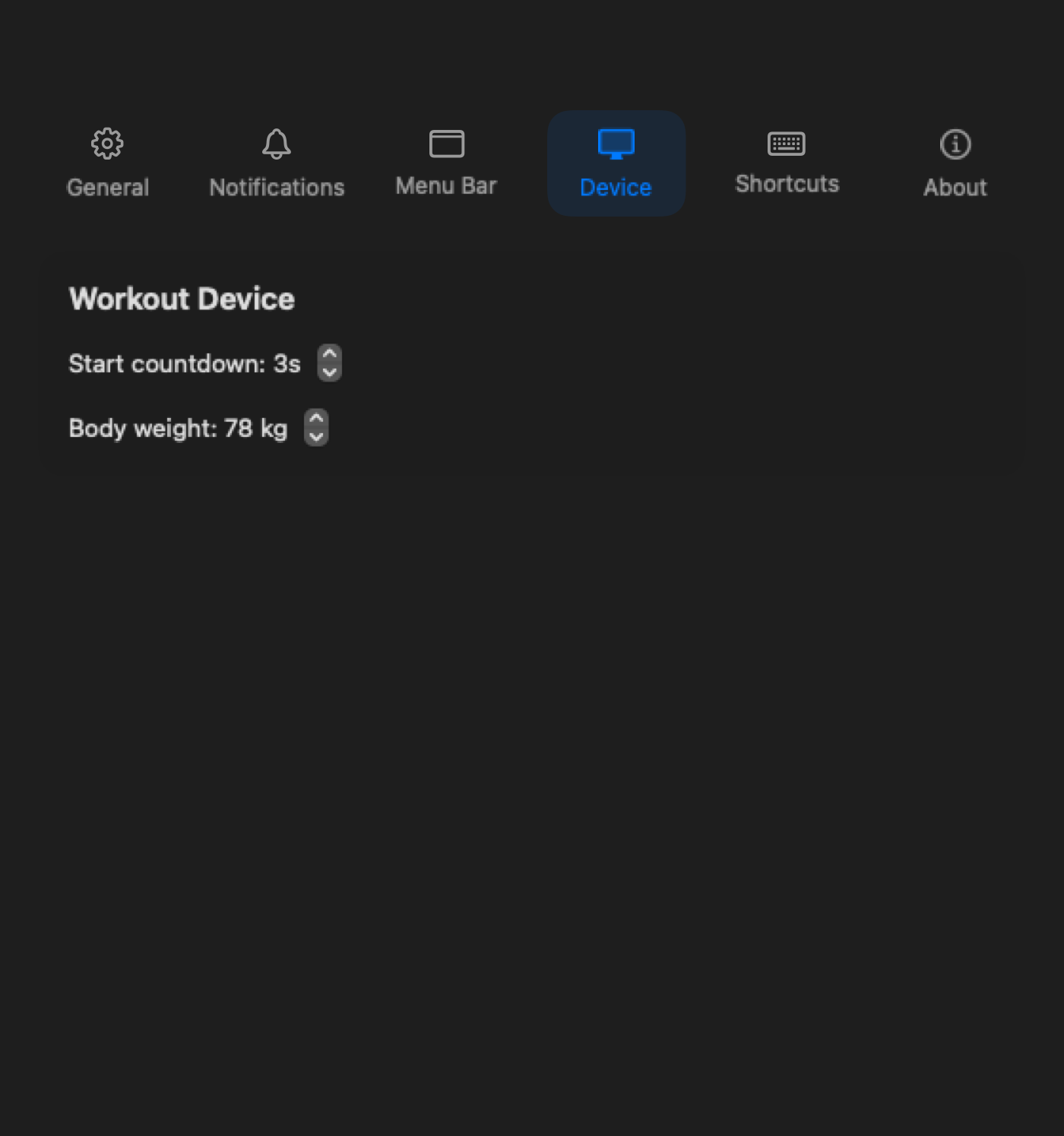
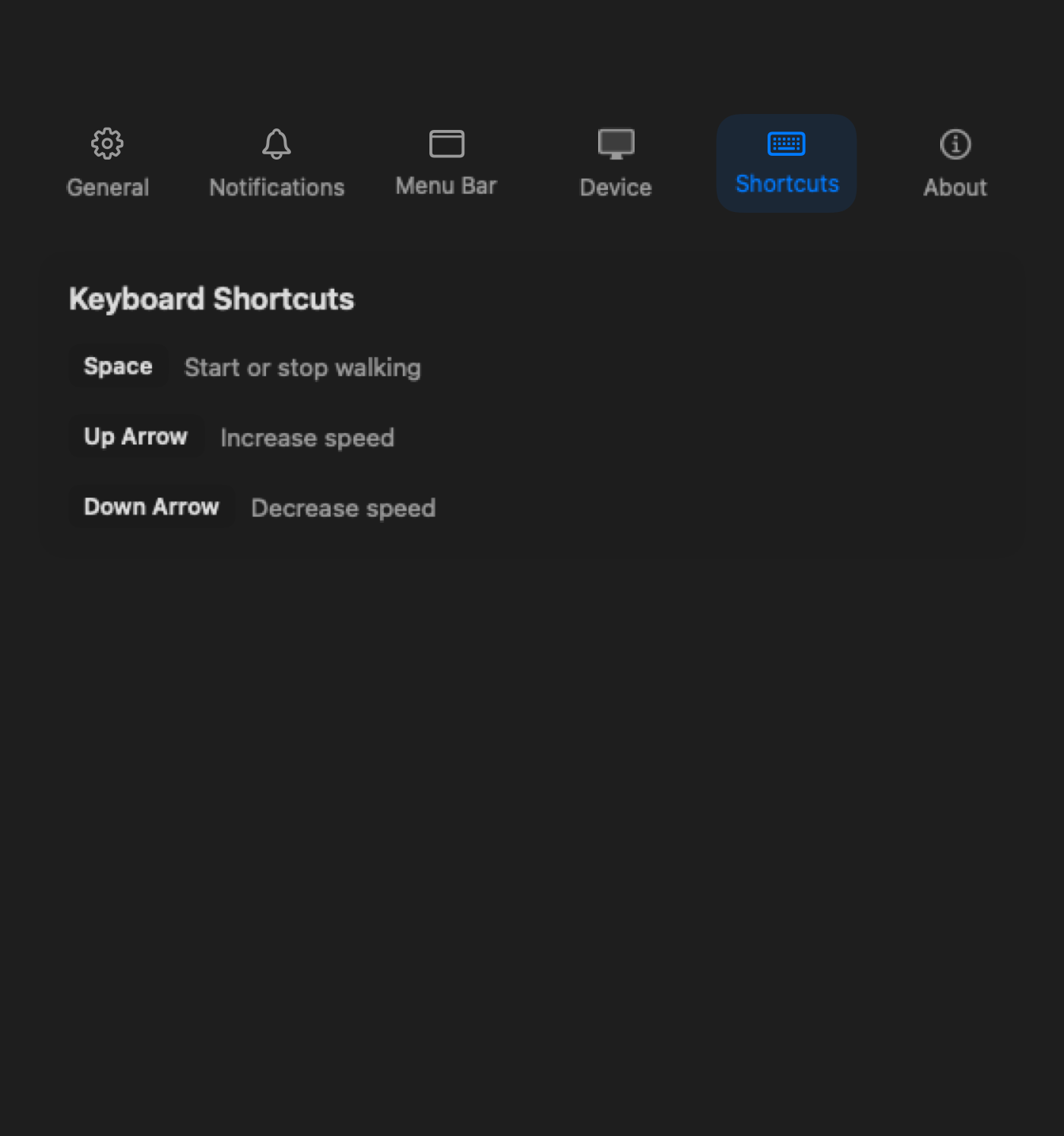
Units, reminders, shortcuts, and display — everything has a place.
Check your model
Paceora works with these WalkingPad treadmills. Pick the one that fits your desk and room, then let the app handle the control layer.
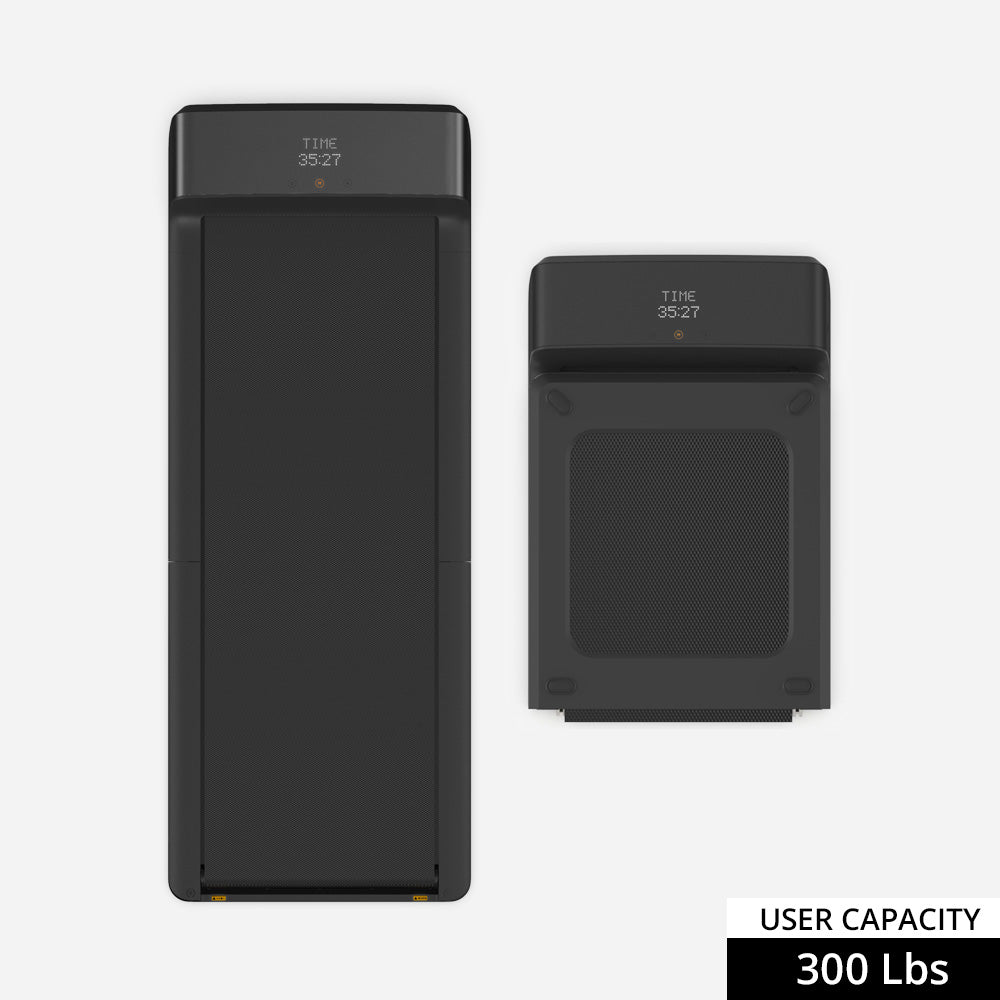
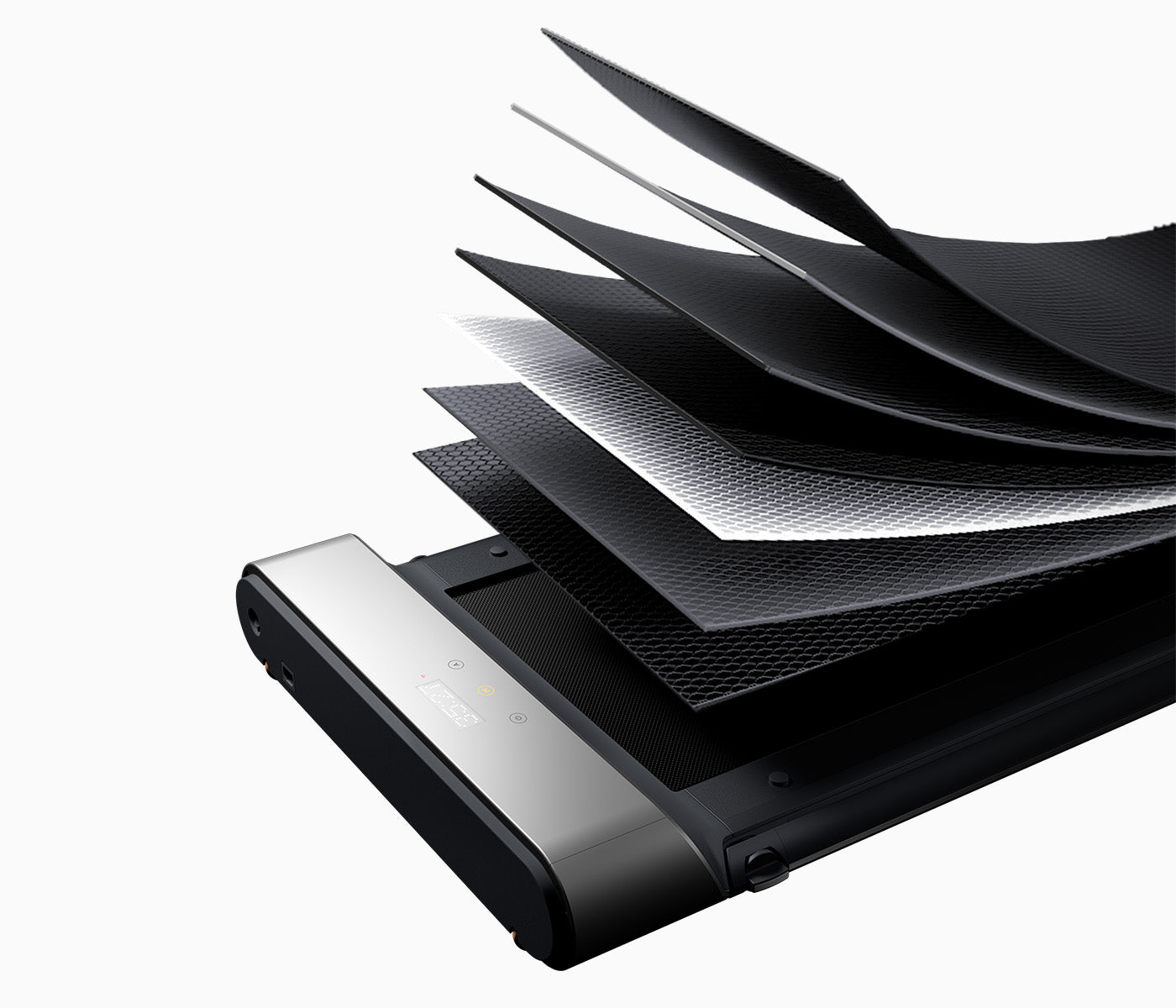
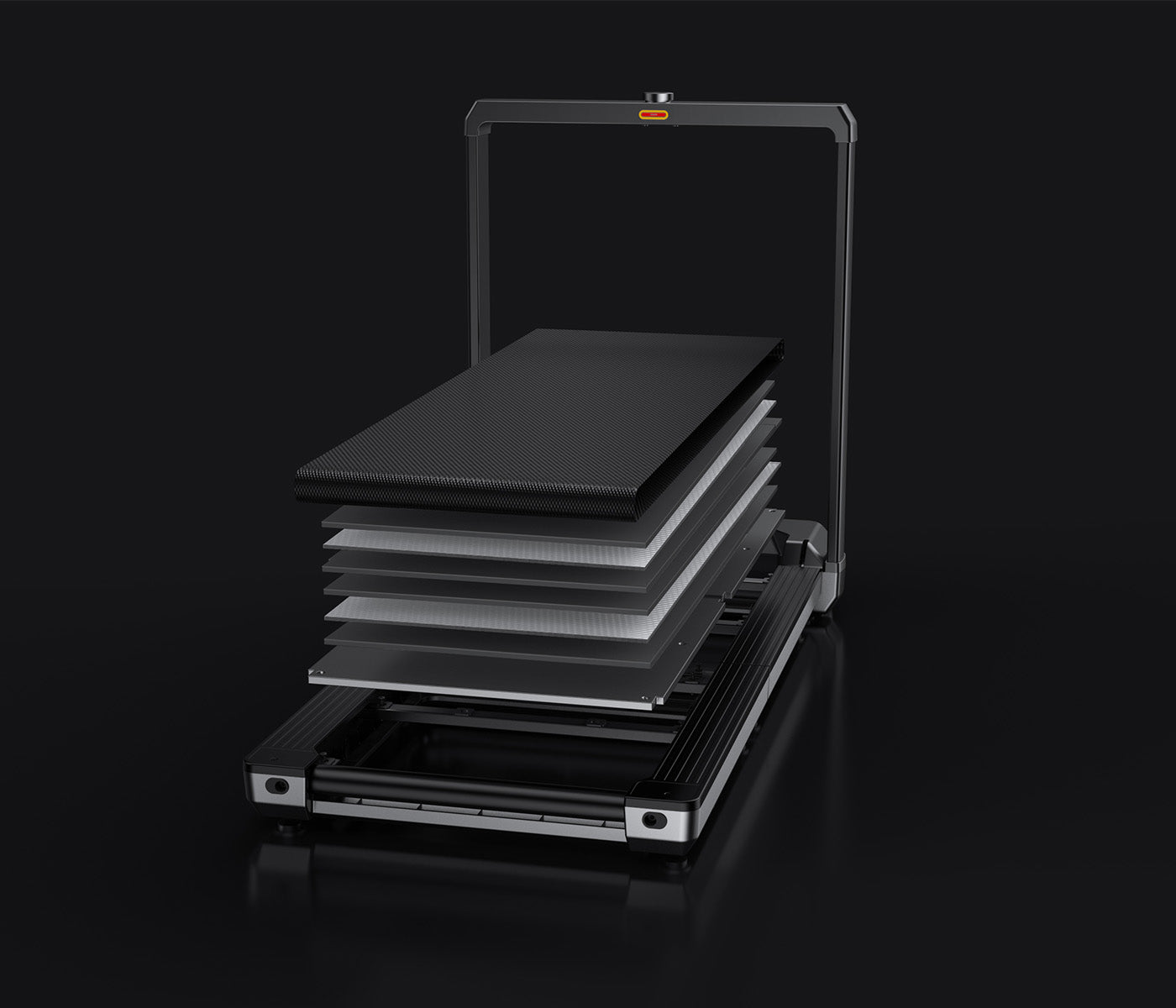
Start from what matters most to you.
Side-by-side breakdowns for the most common cross-shopping decisions.
vs Pick the A1 Pro if you want the safer all-round desk setup. Pick the C2 if compact storage is the actual deciding factor.
vs Choose the A1 Pro if your main goal is desk walking. Choose the R1 Pro only if the walk-run flexibility is genuinely part of the buying case.
vs Choose the X21 for premium office-first desk walking. Choose the R1 Pro only if the hybrid walk-run angle matters more than visible office polish.
vs Choose the X21 for premium desk walking and visible office fit. Choose the X25 only if you really want the heavier-duty treadmill upside too.
Role-based picks
Different roles have different needs. Typing intensity, call schedules, and focus patterns all change the recommendation.
This page includes affiliate links. If you buy through them, Paceora may earn a commission at no extra cost to you.
FAQ
Paceora supports the C2, A1 Pro, R1 Pro, X21, and X25. Check the compatibility page for the full list and support status.
Not for daily use. Paceora handles start, stop, speed control, and session history from your Mac. You may want KS Fit for initial firmware updates.
No. Paceora is an independent macOS app built specifically for desk-walking workflows. It is not affiliated with KingSmith or WalkingPad.
Start and stop the treadmill, adjust walking speed, view session stats, review history, set walk reminders, and manage preferences — all from the Mac menu bar or keyboard shortcuts.
Check the App Store listing for current pricing. There is no recurring subscription requirement for core functionality.
Yes. Paceora is built for people who walk at their desk while working. It is designed for low-speed, long-duration use during the workday, not for gym-style cardio sessions.
No account required. Works with supported WalkingPad models over Bluetooth.