Work style guide

Best WalkingPad for developers who code all day

Developers need a deck that disappears during focus. The wrong treadmill reminds you it exists every time you reach for a keystroke.

Focus High Typing High Calls Medium Sessions Long sessions

This page includes affiliate links. If you buy through them, Paceora may earn a commission at no extra cost to you.

Why walking helps developers

Long debugging sessions and code reviews benefit from low-grade movement. Walking at 1.5–2 mph keeps blood flowing without pulling attention from logic-heavy work. Many developers report that walking helps them think through architecture problems they'd otherwise stare at.

When to stop walking

Pair programming over video, live demos, and high-precision mouse work suffer. If you spend half the day screen-sharing, plan to stop walking for those blocks rather than fighting the bounce.

What matters most for developers

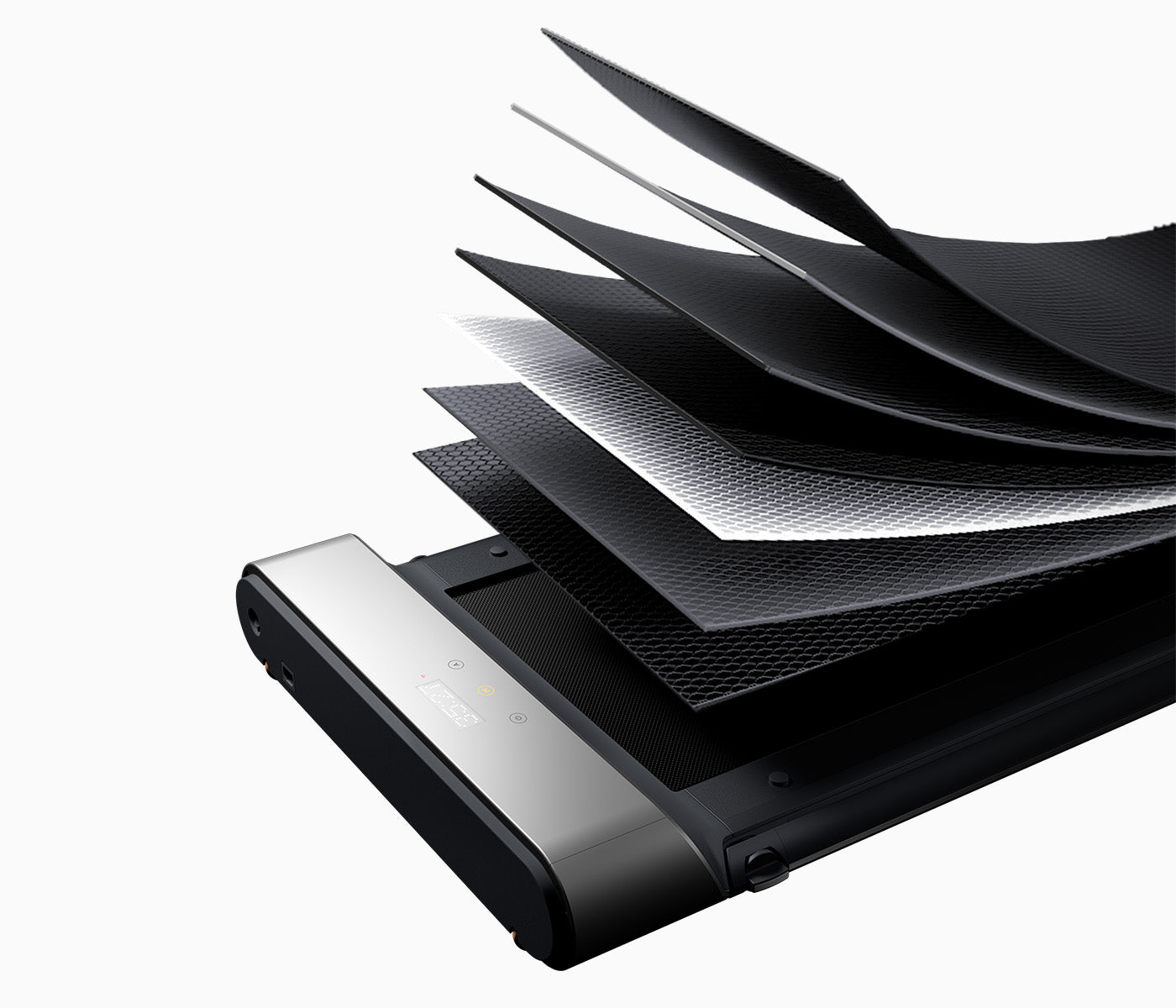
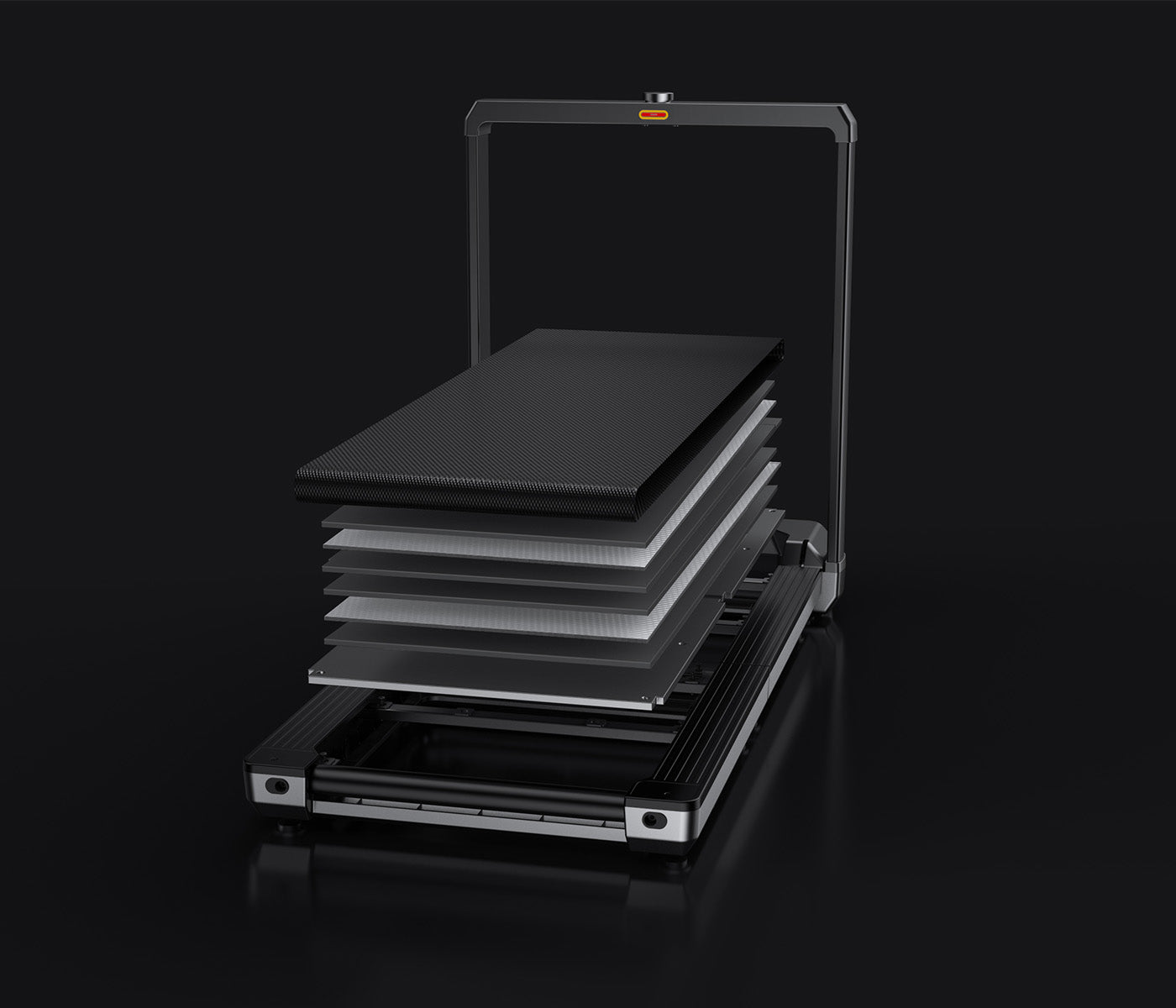
Deck stability during typing is non-negotiable. A narrow or wobbly belt makes bracket-heavy code miserable. Noise also matters — mic pickup during standups is a real concern. And since developers tend toward long unbroken sessions, the treadmill needs to handle 60–90 minutes without overheating or feeling punishing.
Model rankings for developers

#1 Best overall
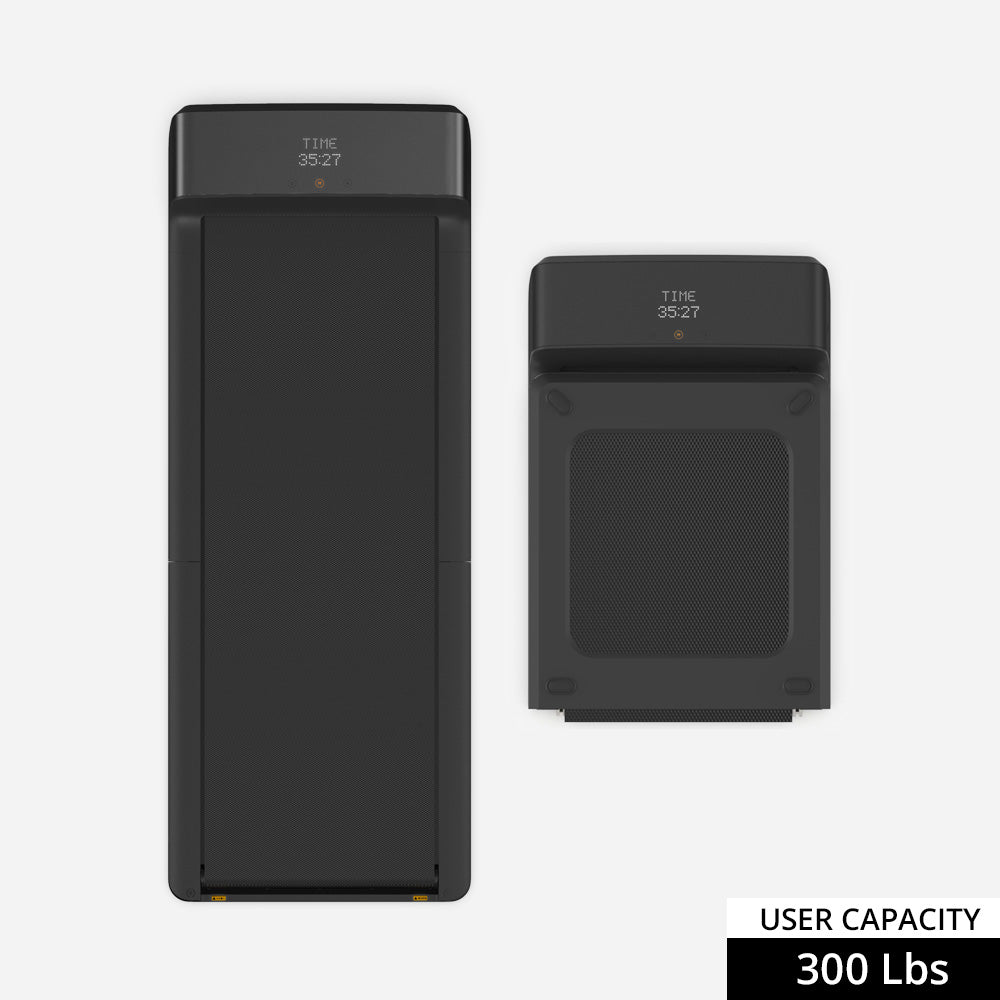
WalkingPad A1 Pro treadmill

WalkingPad A1 Pro

Stable deck, quiet motor, and the right size for long coding sessions. This is the developer default.

Heavier than the C2 — not the easiest to move daily.

#2 Premium pick
WalkingPad X21 treadmill

WalkingPad X21

Wider deck and upright storage suit a dedicated home office where the treadmill stays put.

The price premium only makes sense if you have the room and budget.

#3 Space-constrained pick
WalkingPad C2 treadmill

WalkingPad C2

Works for shorter coding sessions in tight apartments. Less forgiving during marathon debug sessions.

Narrower deck becomes noticeable after 45+ minutes of heavy typing.

#4 Hybrid option
WalkingPad R1 Pro treadmill

WalkingPad R1 Pro

Only justified if you also want to run after work. For pure coding, the A1 Pro is cleaner.

Heavier footprint and more treadmill feel in the room.

#5 Overkill for most
WalkingPad X25 treadmill

WalkingPad X25

Unless you're a larger-frame developer who also wants serious cardio, this is more machine than desk coding needs.

Why Paceora matters for developers

Developers lose context every time they reach for a phone to adjust speed. Paceora keeps treadmill control in the same environment as the IDE — keyboard shortcuts mean you never leave the terminal flow. For a role built around minimizing context switches, that's not a nice-to-have.

Model comparisons

Buyer guides

Other work styles

FAQ

Questions people usually have

Can I type normally while walking?

At 1.5–2 mph on a stable deck, most people adapt within a few days. The A1 Pro and X21 are the easiest to type on. The C2 works but demands more attention to posture.

Will it pick up on calls?

At low speeds, modern noise-cancelling mics handle it fine. The A1 Pro is one of the quieter options. Pause during screen-shares if your setup is noisy.

Is the C2 good enough for coding?

For sessions under 45 minutes, yes. For all-day use, the A1 Pro's wider deck pays for itself in comfort.

Find the right WalkingPad for developers

Start with the hardware, then add Mac-native control with Paceora.