Work style guide

Best WalkingPad for designers and creative work

Design work alternates between deep visual focus and loose ideation. The right treadmill supports both modes without making the mouse feel drunk.

Focus High Typing Medium Calls Medium Sessions Fragmented days

This page includes affiliate links. If you buy through them, Paceora may earn a commission at no extra cost to you.

Why walking helps designers

Ideation phases — moodboards, wireframes, early concepts — benefit from gentle movement. Walking tends to loosen creative thinking in ways that sitting doesn't. Plenty of designers find they sketch better ideas during a low-speed walk.

When to stop walking

Pixel-precise work in Figma or Illustrator is harder while moving. Fine cursor control suffers at any speed above a crawl. Most designers learn to walk during review and ideation, then stop for production work.

What matters most for designers

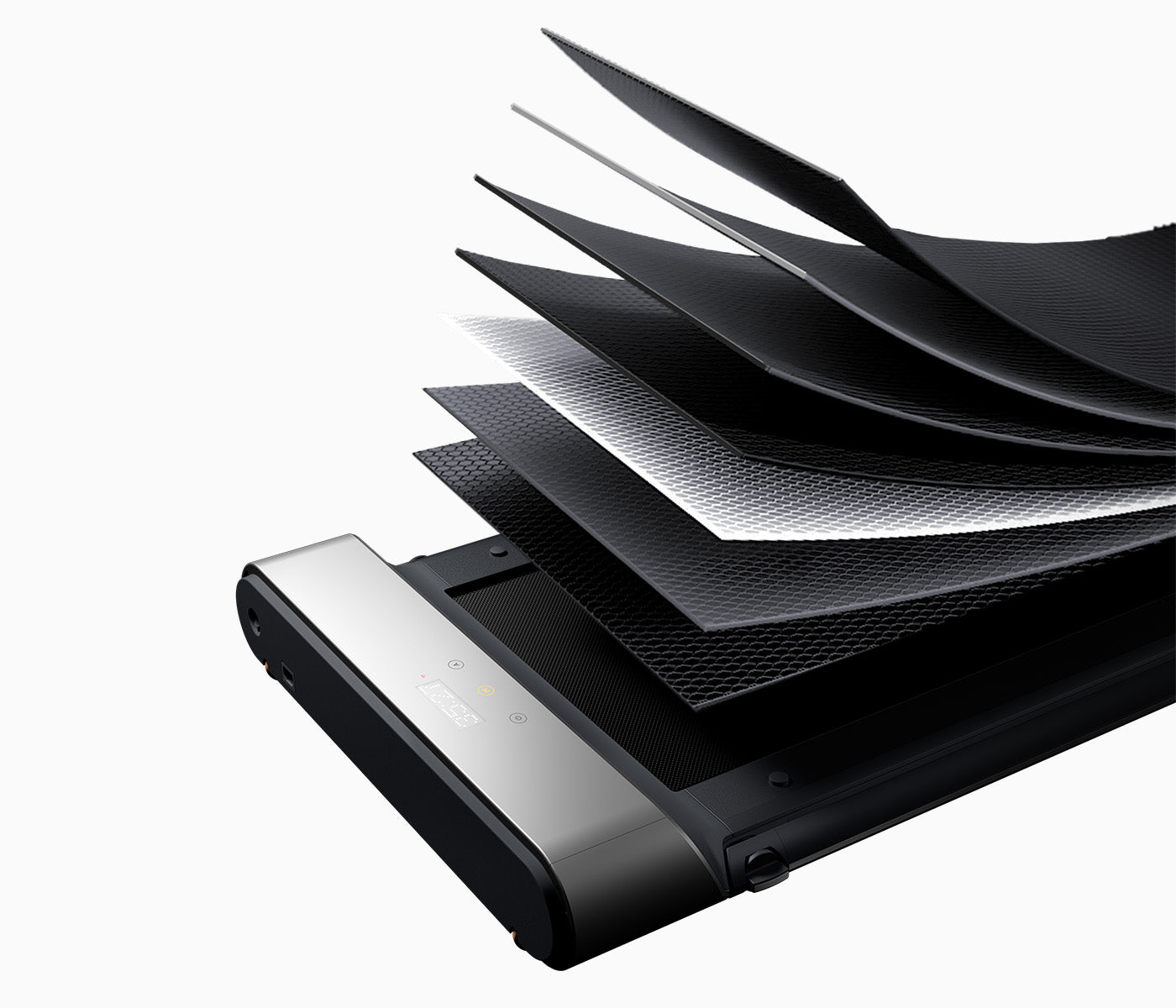
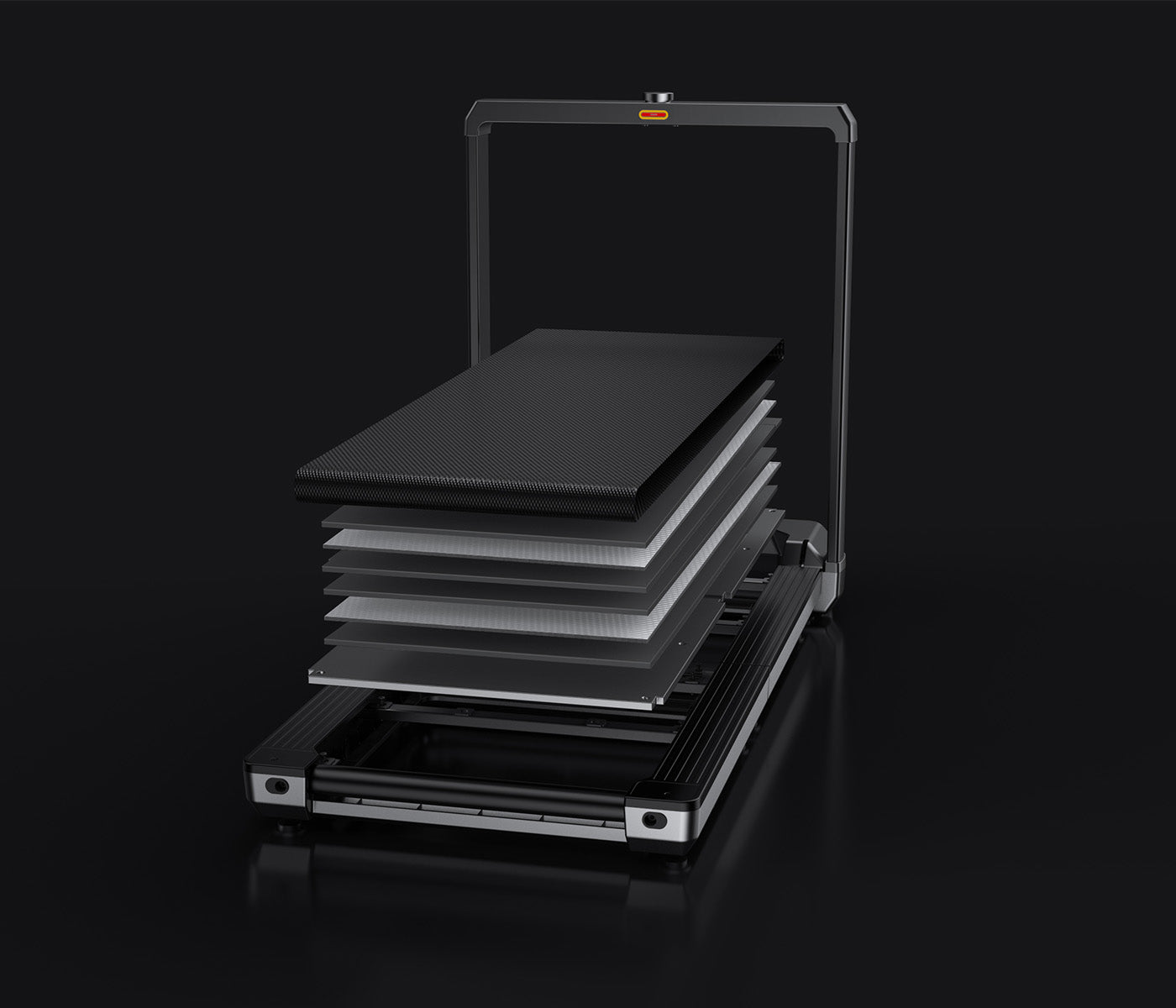
A stable, quiet deck matters most. Vibration translates directly to cursor wobble. Noise is less critical than for call-heavy roles, but a premium office aesthetic often matters to design-conscious buyers.
Model rankings for designers

#1 Best overall
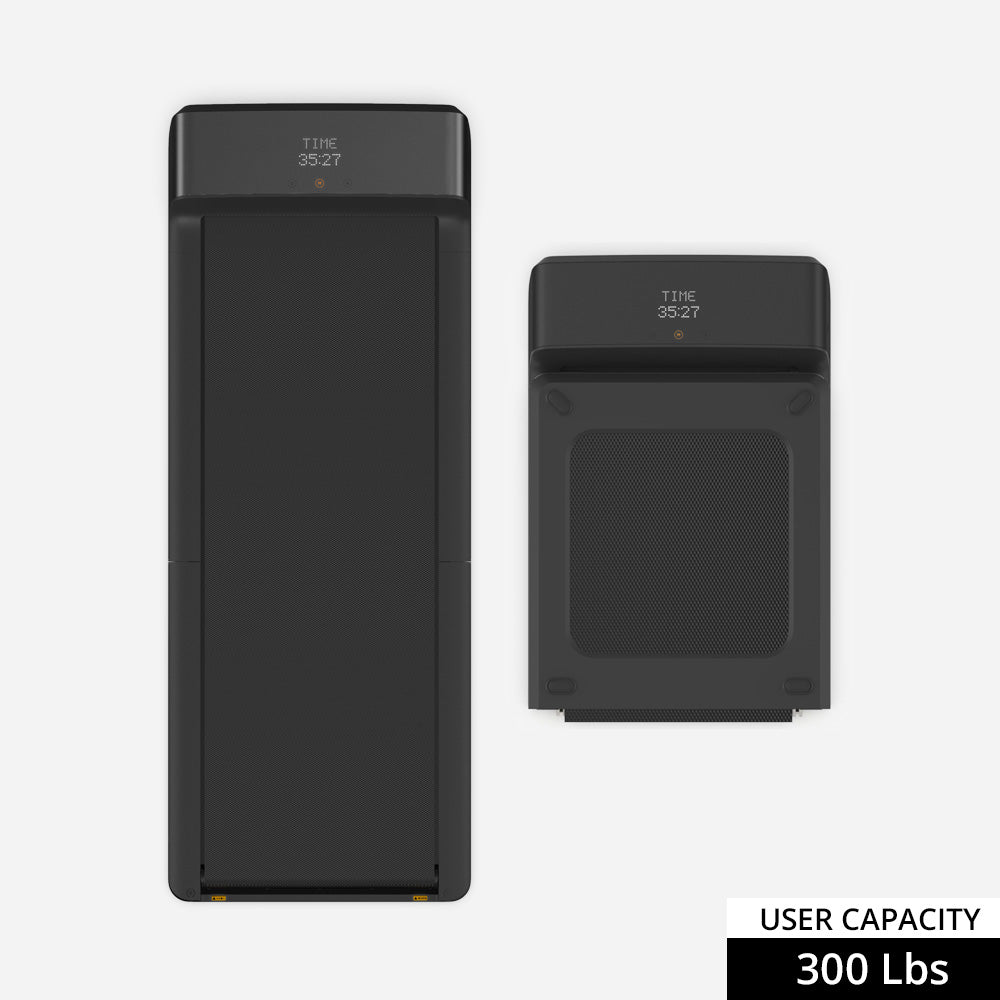
WalkingPad X21 treadmill

WalkingPad X21

Premium look, stable deck, upright storage. Fits the kind of office a designer actually wants to work in.

Price is real. The A1 Pro covers the functional need for less.

#2 Best value
WalkingPad A1 Pro treadmill

WalkingPad A1 Pro

Calmer and steadier than the C2, and half the price of the X21. Does the job without the premium tax.

Less visually refined than the X21 in a curated workspace.

#3 Compact option
WalkingPad C2 treadmill

WalkingPad C2

Works for lighter design tasks and ideation walks. Not ideal for long production sessions.

Why Paceora matters for designers

Designers already juggle Figma, Slack, and browser tabs. Adding a phone app to control the treadmill is one more device to manage. Paceora puts speed control in the Mac menu bar, so the treadmill becomes part of the desktop workflow instead of a separate chore.

Model comparisons

Buyer guides

Other work styles

FAQ

Questions people usually have

Can I use Figma while walking?

For reviewing designs and loose wireframing, yes. For pixel-precise component work, most designers prefer to pause.

Does the X21 look better in a home office?

Meaningfully, yes. It stores upright and looks more intentional than a flat walking pad leaning against a wall.

Find the right WalkingPad for designers

Start with the hardware, then add Mac-native control with Paceora.