The problem
A simple treadmill adjustment should not require leaving the document, call, or application already in front of you.
The frustrating part is not only that the WalkingPad phone app can feel clunky. It is that the phone becomes the remote for a treadmill you are using while working on a Mac.
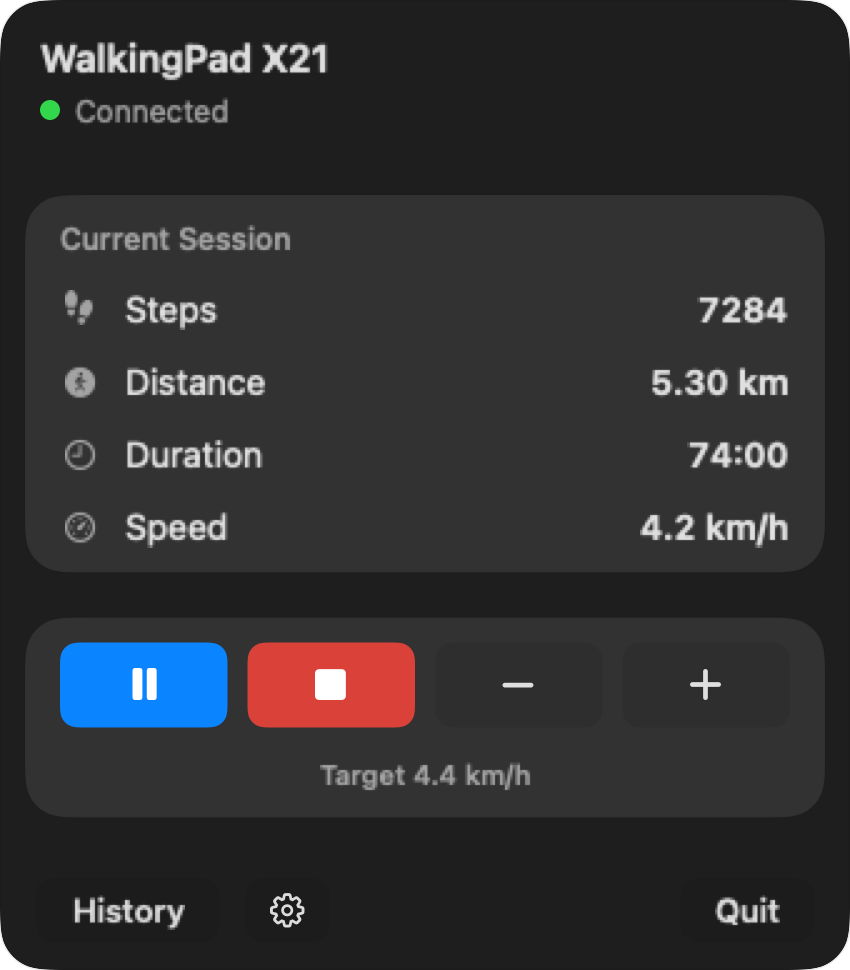
A simple treadmill adjustment should not require leaving the document, call, or application already in front of you.
A desk walk involves small changes: start before a writing block, slow down for a difficult task, pause for a meeting, then check the completed session. Paceora keeps those actions on the Mac instead of sending you back to a phone.
If your model is supported and the treadmill itself works, Paceora helps by moving daily control to the Mac menu bar and keyboard. If the treadmill is unsupported or failing to pair anywhere, solve that first.
Check compatibility. If your model is supported, try Paceora for daily control. If you are still buying, compare the A1 Pro and C2 first.
KS Fit may still be useful for official setup and firmware. For everyday desk walking on a supported model, Paceora keeps the controls beside the work instead of on a separate device.
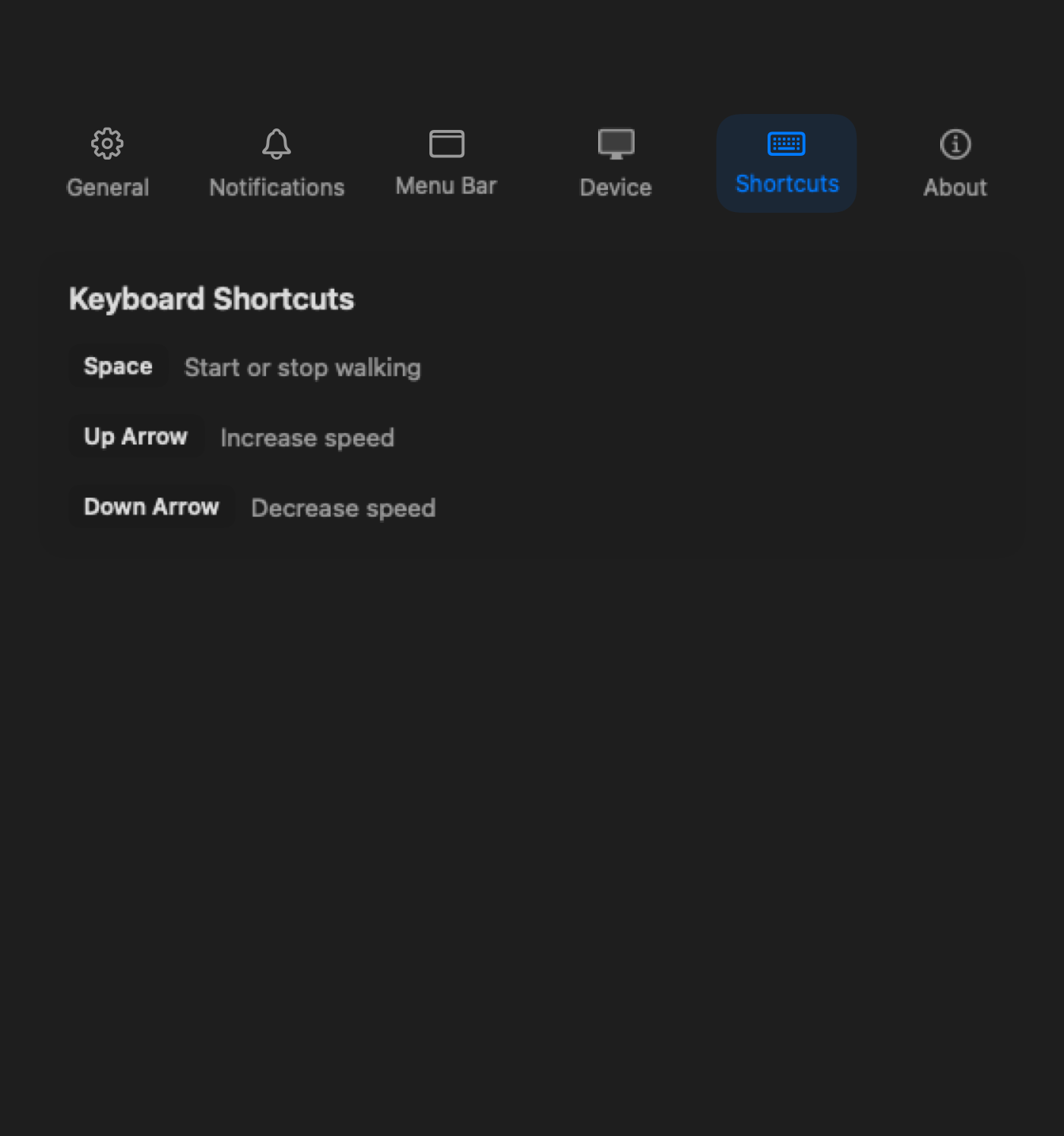
Adjust the treadmill without making the phone the center of the session.
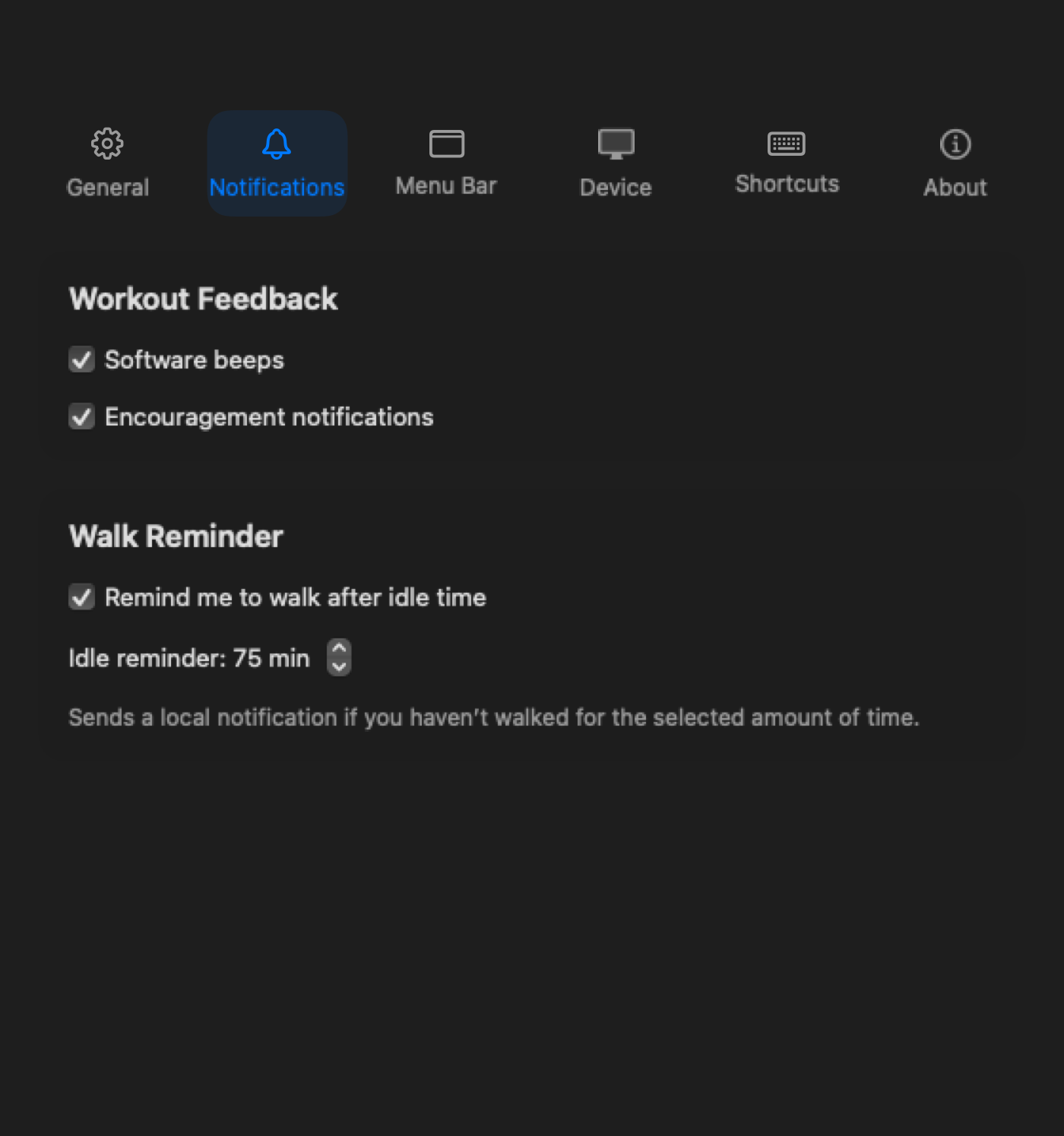
See walking reminders on the Mac while you work.
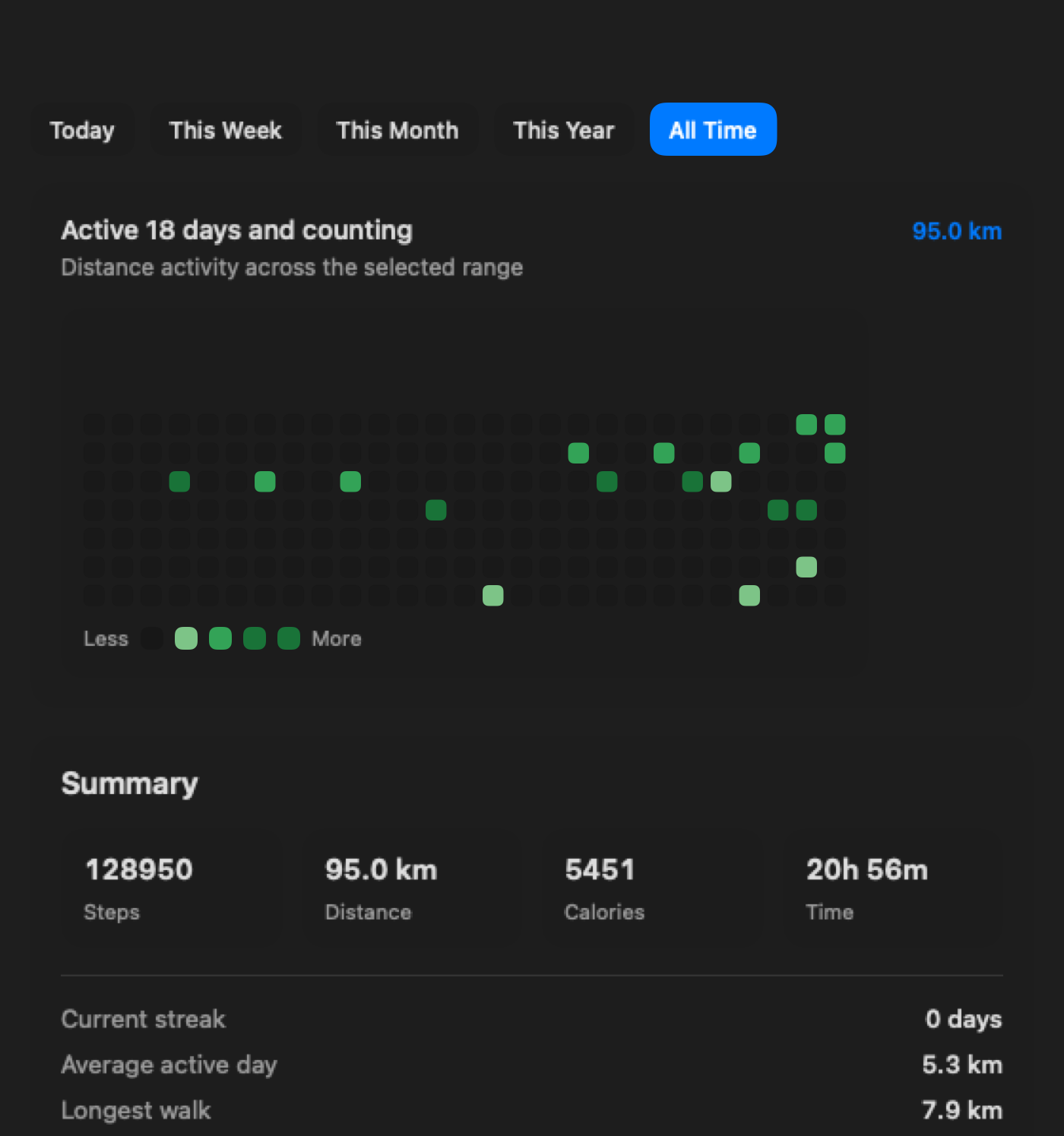
Review completed workday walks without opening the phone app.
Yes. Paceora is a native macOS app for supported WalkingPad and KingSmith models.
It can replace the phone app for everyday controls on a supported model. It is not a full replacement for official setup, firmware updates, or KS Fit features that Paceora does not provide.
Possibly. Firmware updates and first-time edge cases may still need KS Fit.
Check compatibility. If your model is supported, try Paceora for daily control. If you are still buying, compare the A1 Pro and C2 first.