The problem
The first question is whether the treadmill is failing to connect anywhere, or whether KS Fit is the frustrating part.
A failed connection can come from the phone, pairing state, another active connection, or the treadmill itself. Find out whether any device can reach the treadmill before considering Paceora.
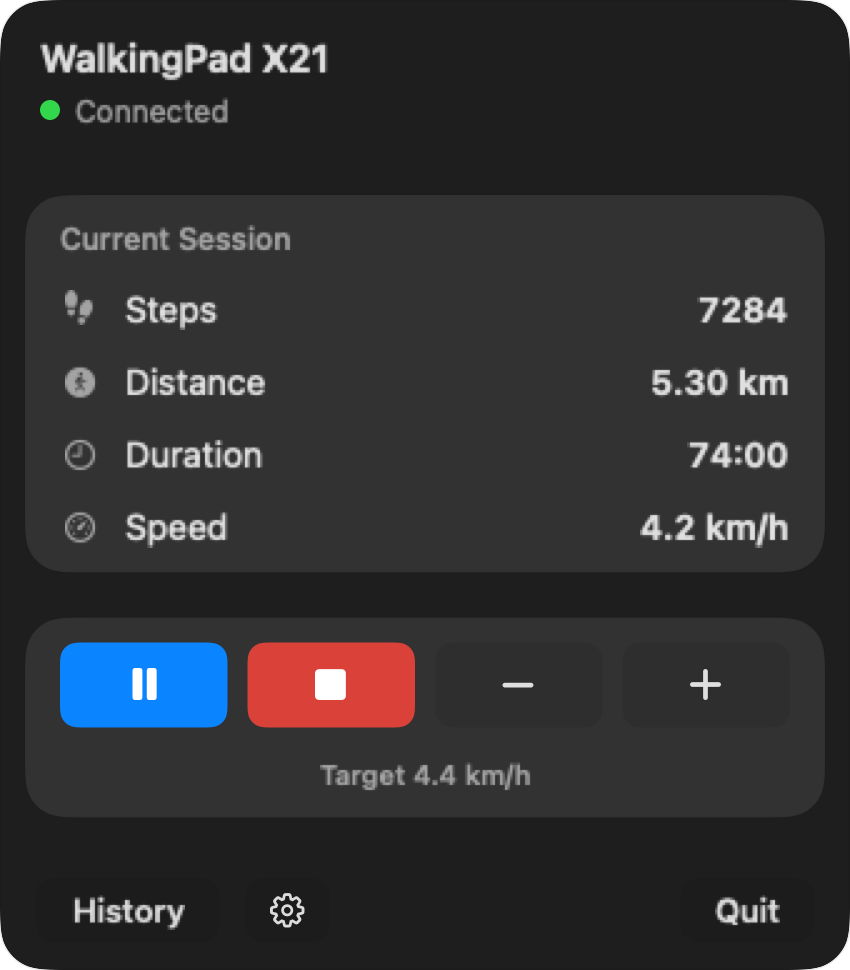
The first question is whether the treadmill is failing to connect anywhere, or whether KS Fit is the frustrating part.
Try official setup and confirm that the treadmill powers on and appears to another compatible device. If Bluetooth works and only everyday KS Fit use remains unreliable, Mac control may be a useful alternative. If nothing can pair, contact the manufacturer or retailer.
Start with KingSmith or WalkingPad troubleshooting if no device can find the treadmill. Paceora may help only when the model is supported, the treadmill is reachable over Bluetooth, and KS Fit is the part causing trouble.
Check compatibility first. If the model is supported and Bluetooth is working, use the Mac control guide. If nothing can connect, treat it as a treadmill support issue.
Another app cannot fix dead Bluetooth hardware, a power fault, or an unsupported model. Use official troubleshooting first. Once the treadmill is reachable, check Paceora's model list and use the live compatibility check before paying for the app.
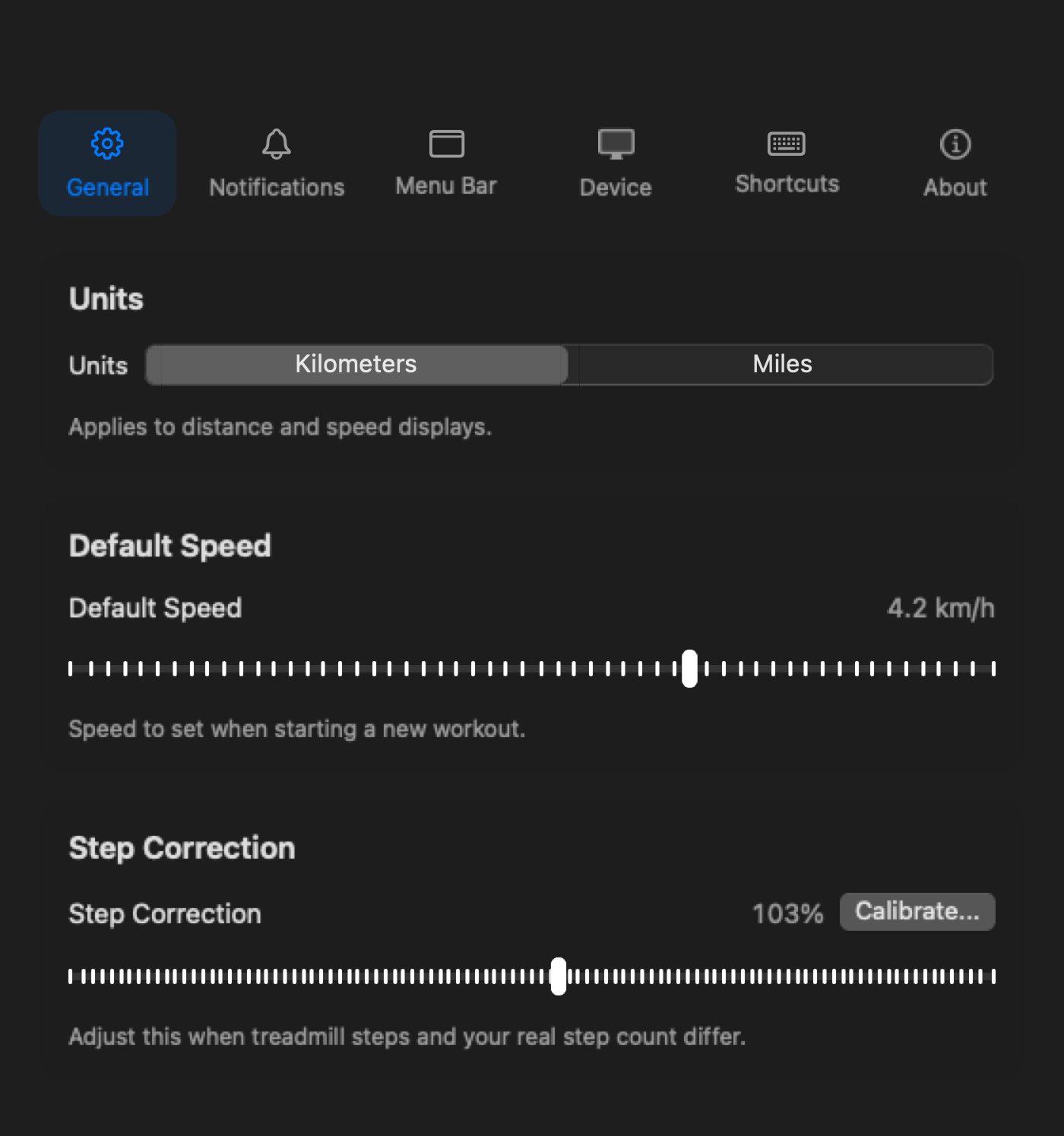
Once the supported treadmill is reachable, Paceora moves day-to-day preferences to the Mac.
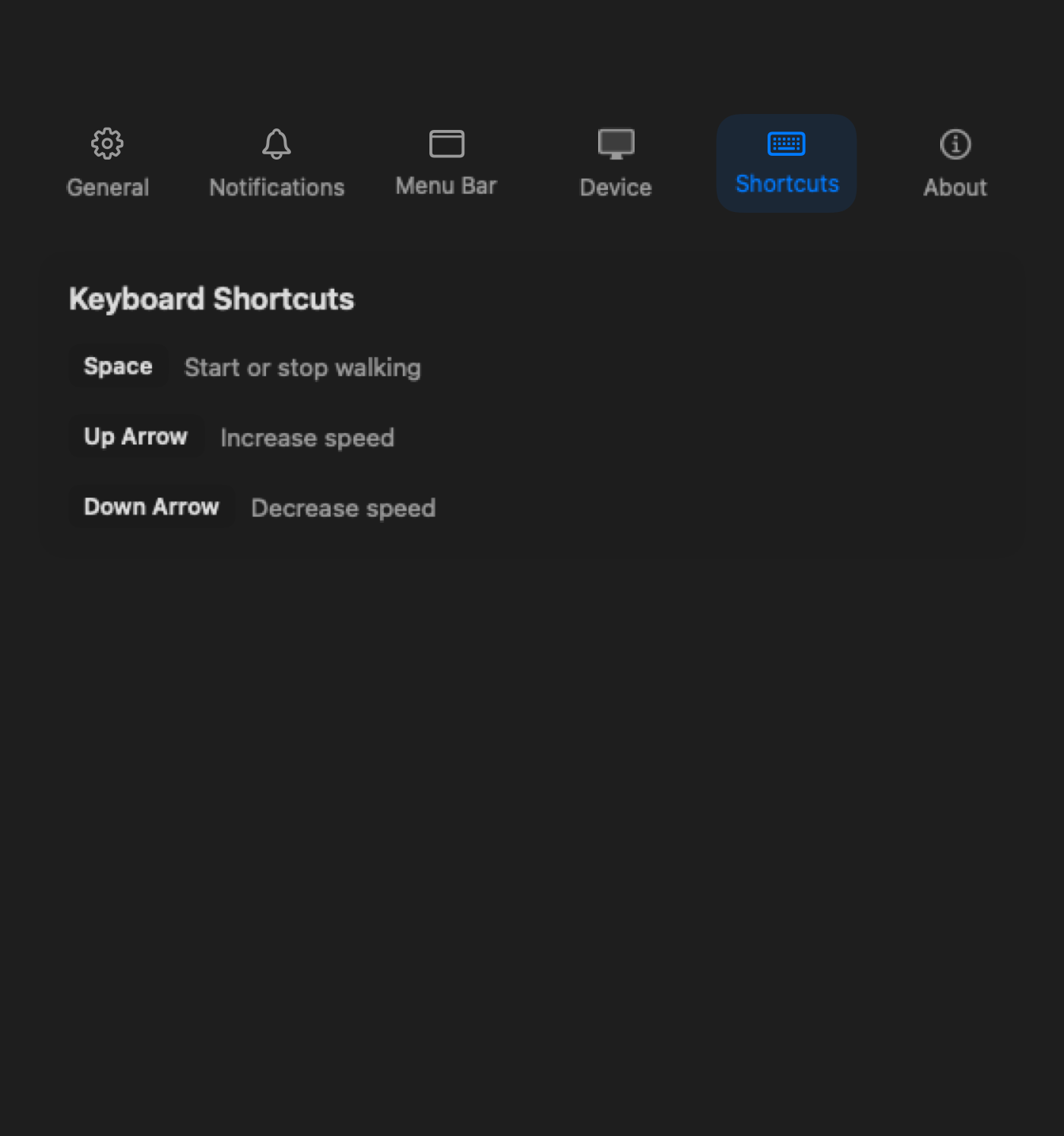
Use Mac control only after confirming that the treadmill itself can connect.
It may when the treadmill is reachable and KS Fit is the only failing part, but do not assume that. If no device can discover the treadmill, use official support first.
No. Check the supported model list first, especially if you are already dealing with connection uncertainty.
No. Keep KS Fit available for official firmware and setup needs.
Check compatibility first. If the model is supported and Bluetooth is working, use the Mac control guide. If nothing can connect, treat it as a treadmill support issue.