Activity heatmap
See which days you walked and where the gaps are.
Start, stop, change speed, review your history, and set optional reminders without reaching for your phone.
See your steps, distance, and walking streaks in one local activity log.
Active 4 days
Distance activity across the selected range
See which days you walked and where the gaps are.
Review steps, distance, and duration without bouncing between apps.
Zoom out to month and year views when you want the broader pattern.
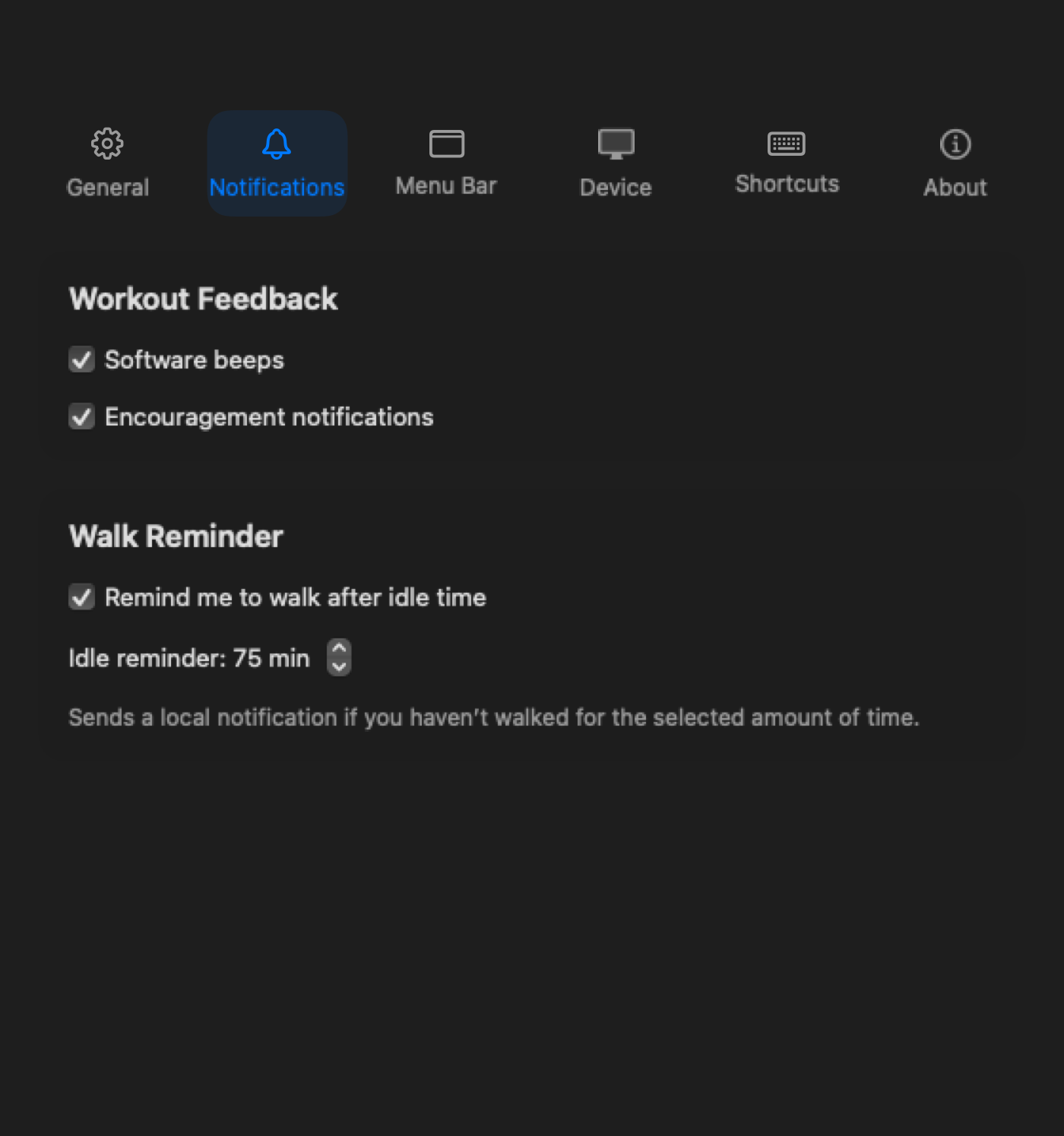
Been sitting too long? Paceora sends a quiet notification to get you moving again.
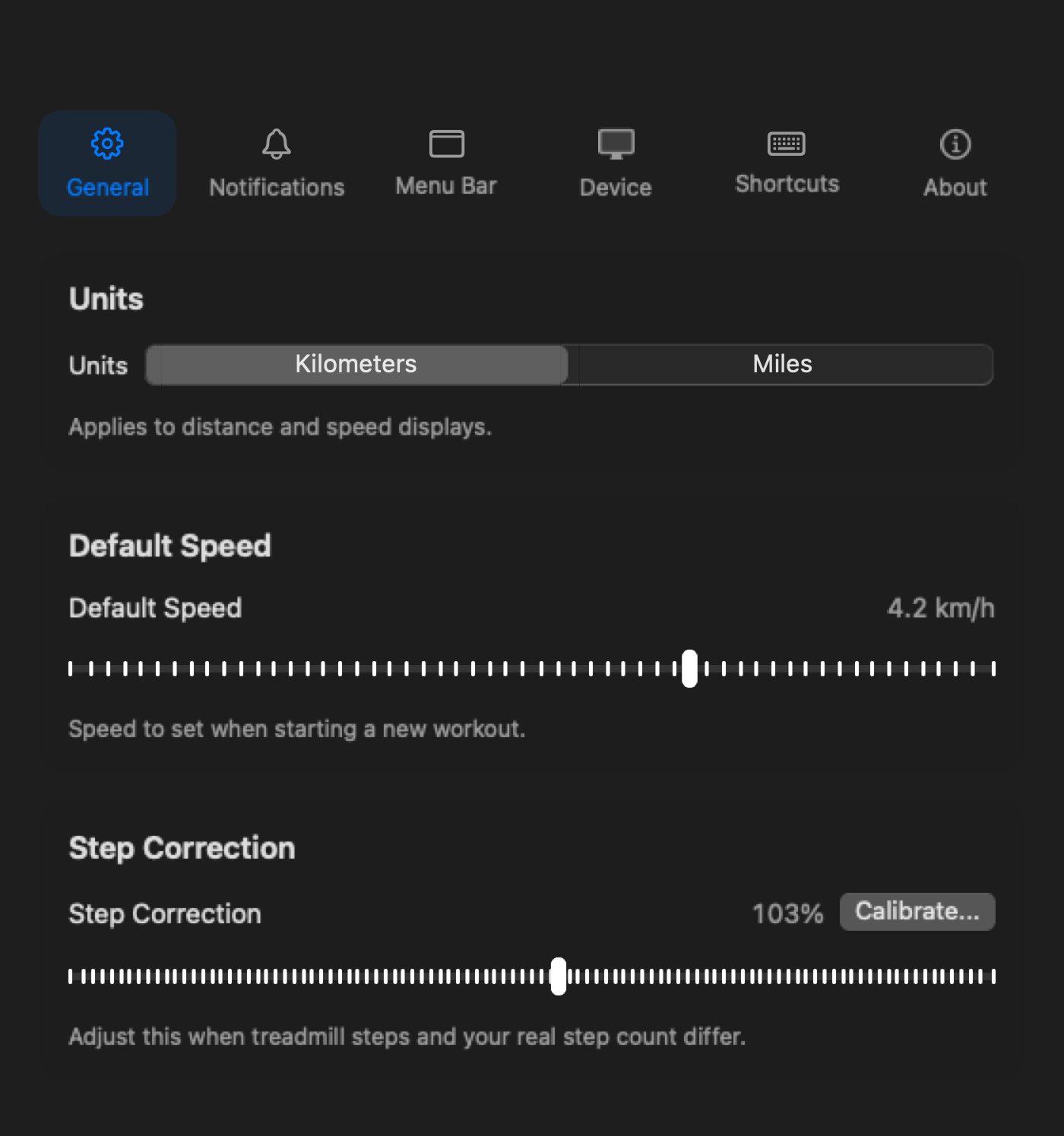
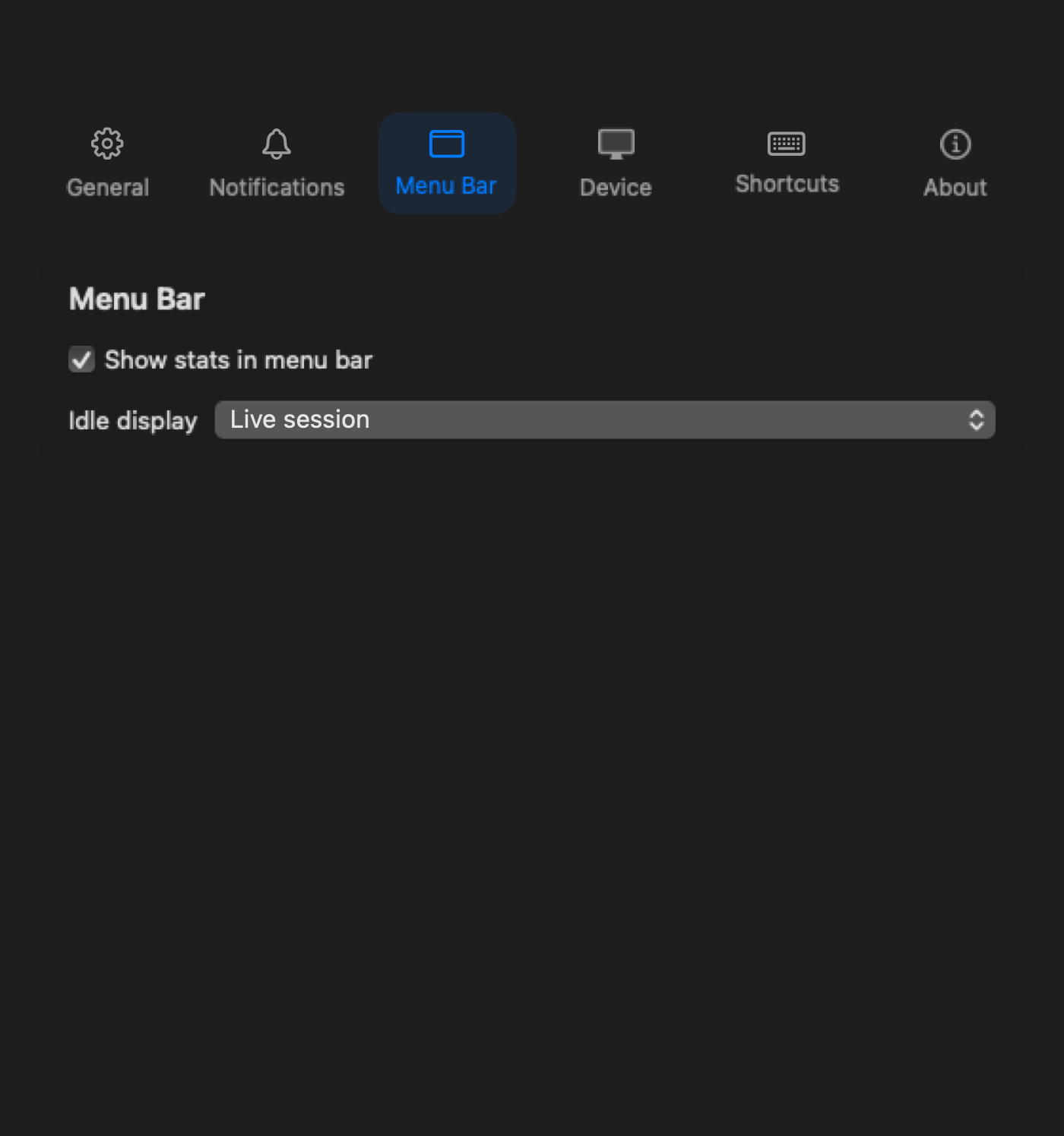
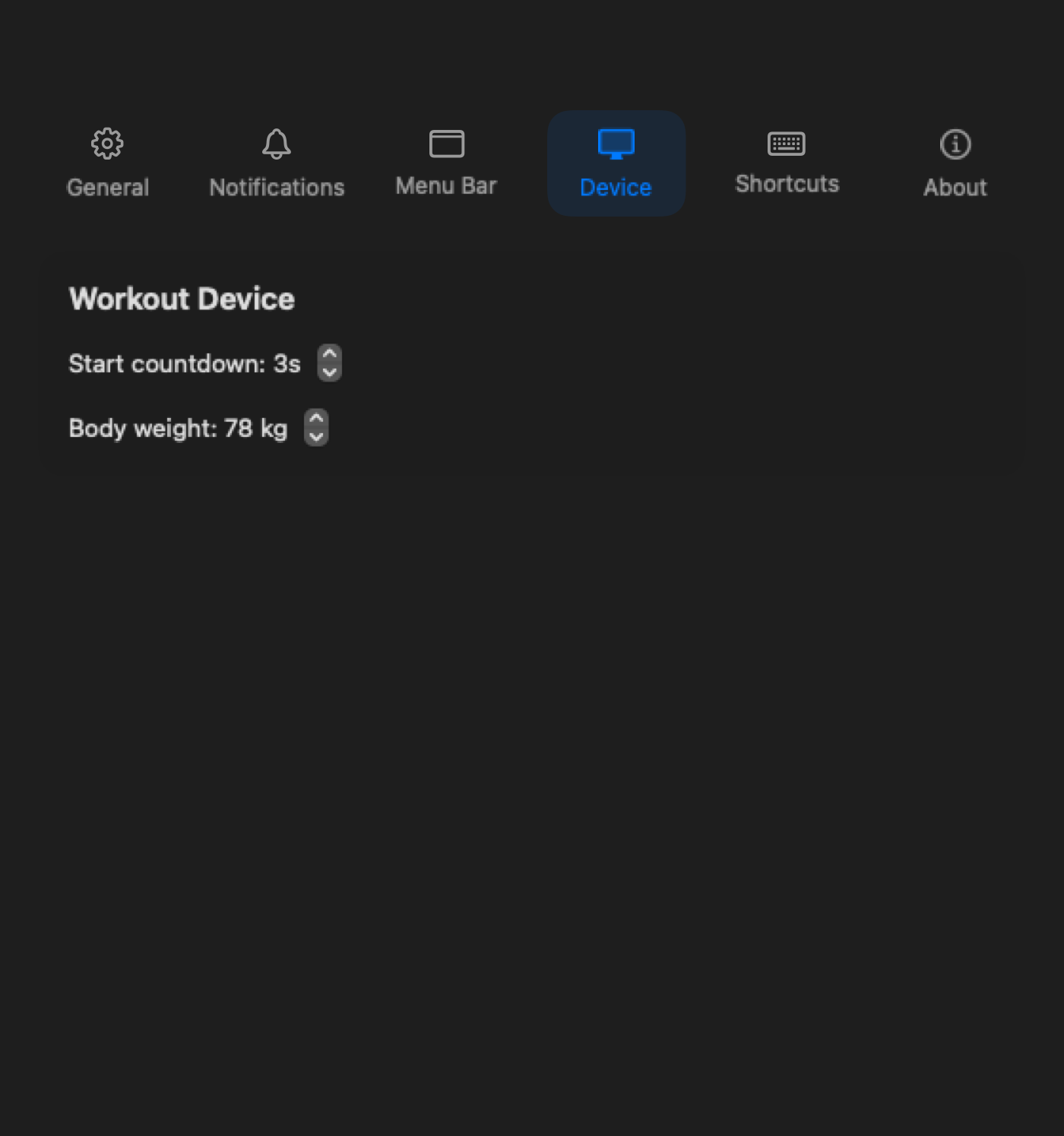
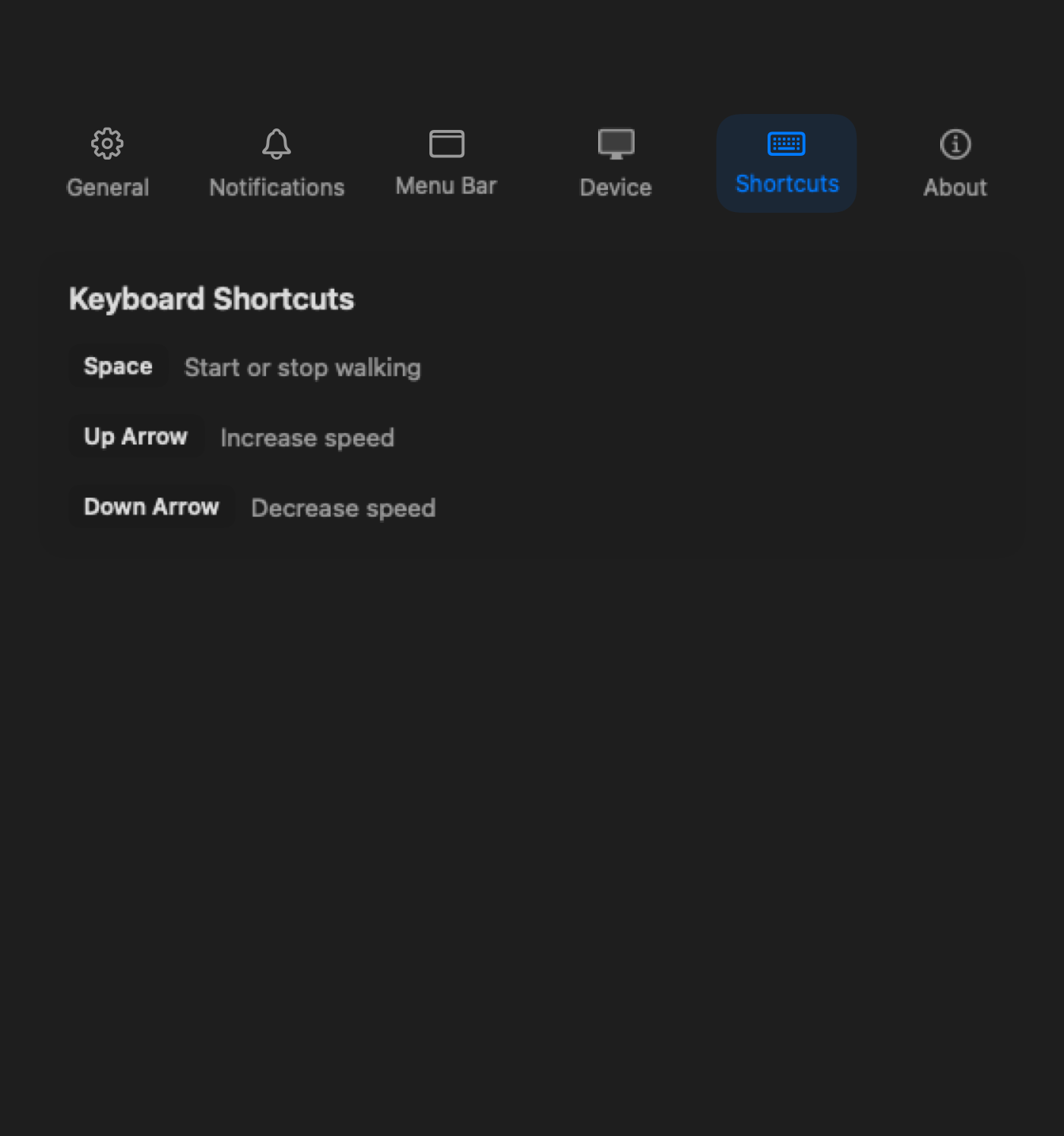
Choose units, a default speed, menu bar details, reminders, and shortcuts without turning a walking app into a control panel you have to manage every day.
If the treadmill will not power on or no controller can reach it, start with KingSmith or WalkingPad support. Keep KS Fit available for firmware updates and official setup edge cases.
WalkingPad hardware supportPaceora is a $9.99 one-time purchase through the Mac App Store. There is no subscription for the core app.
It can replace KS Fit for everyday controls on a supported model, including start, stop, speed, history, and reminders. Keep KS Fit available for official setup, firmware updates, and features Paceora does not provide.
The app can control a supported treadmill anywhere, but desk walking normally needs a standing desk with enough height and frame clearance.
Run the browser compatibility check first. If a supported model still does not work after purchase, contact support or request a refund through the App Store.