The problem
A phone can control the treadmill, but unlocking it and switching apps adds extra steps to a simple pause or speed change.
Using the phone as a WalkingPad remote sounds fine until it becomes the thing you have to touch every time your work rhythm changes.
A phone can control the treadmill, but unlocking it and switching apps adds extra steps to a simple pause or speed change.
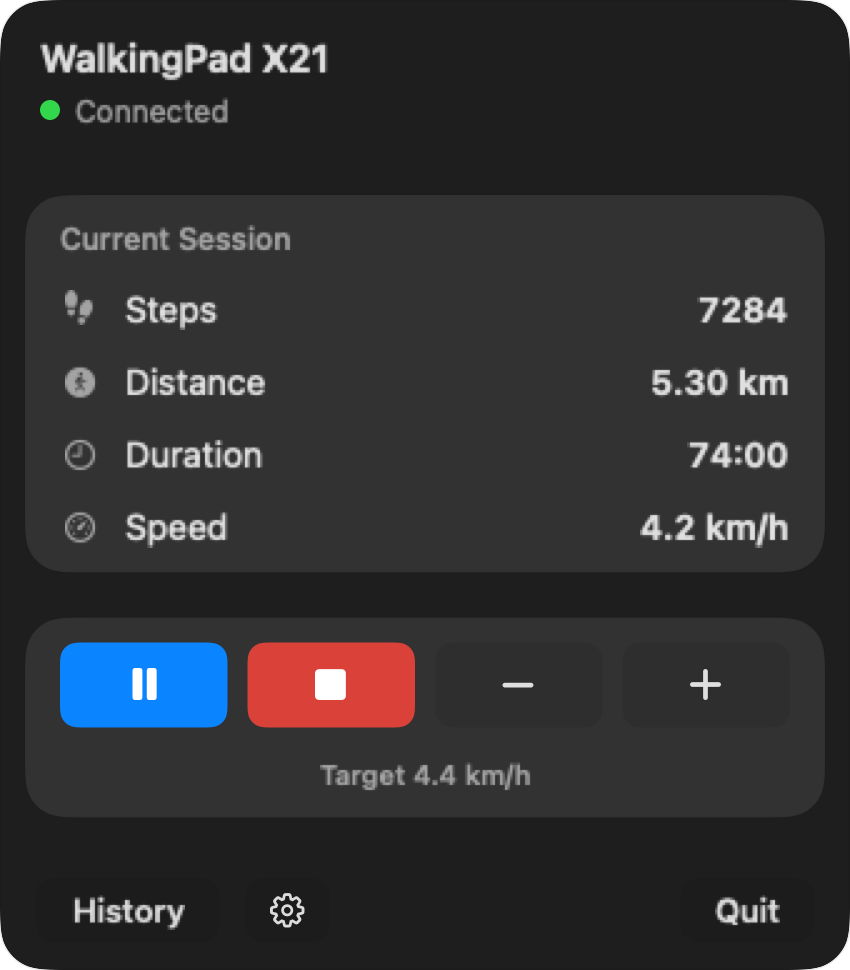
Phone control can mean unlocking the screen, opening the app, checking the connection, and returning to the document. Paceora keeps those ordinary controls in the Mac menu bar and keyboard.
For supported models, Paceora is better than using your phone as the remote because it puts daily control on the Mac. It is not a solution for unsupported hardware, broken treadmills, or official-app-only setup needs.
If your model is supported, download Paceora. If you are deciding what to buy, start with the A1 Pro unless compact storage is the reason the C2 fits better.
The phone can work as a remote. Paceora removes the need to switch devices for daily control on supported models. It is independent, supports specific models, and does not handle firmware updates.
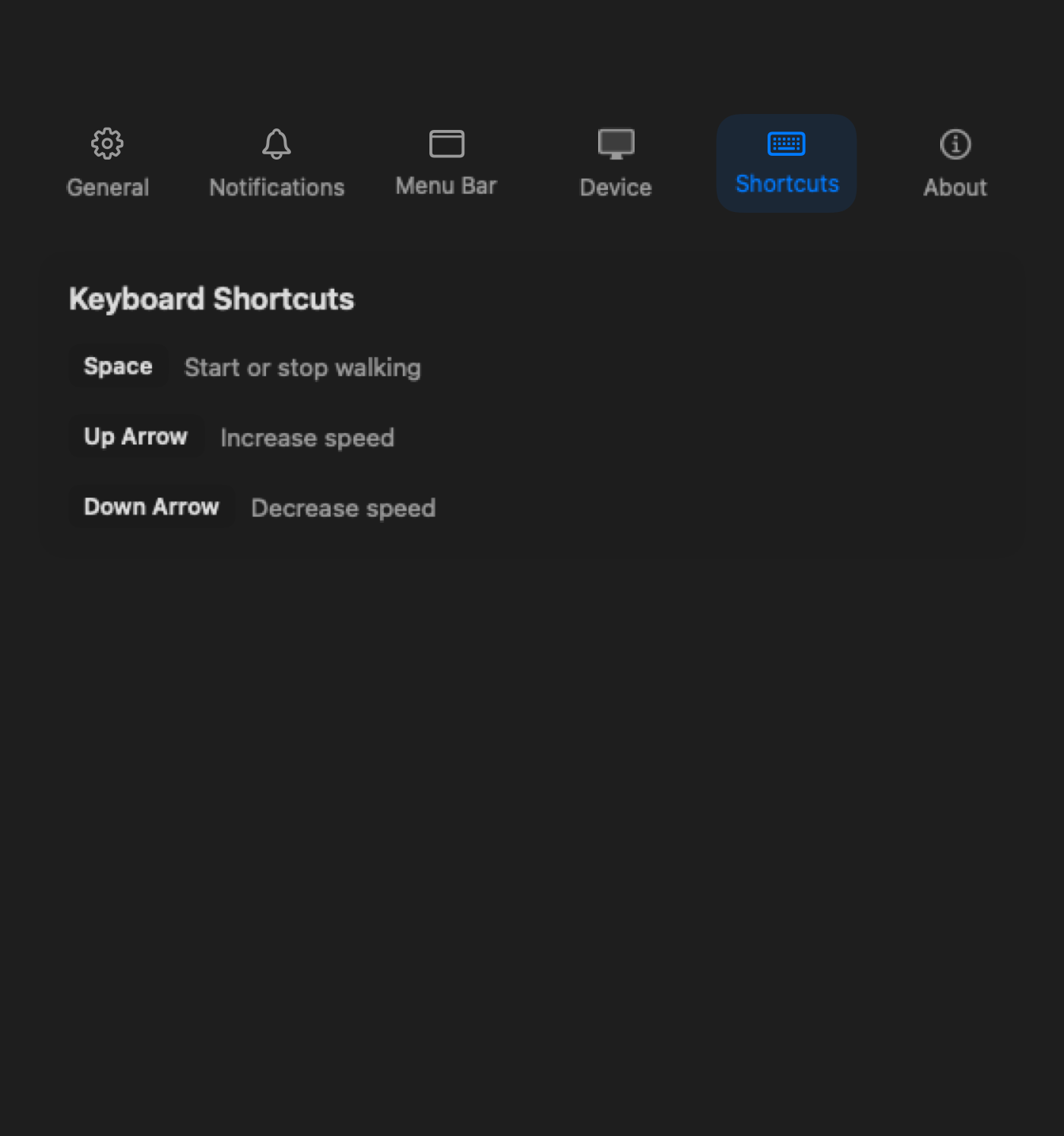
The best control is the one you can use without leaving the Mac.
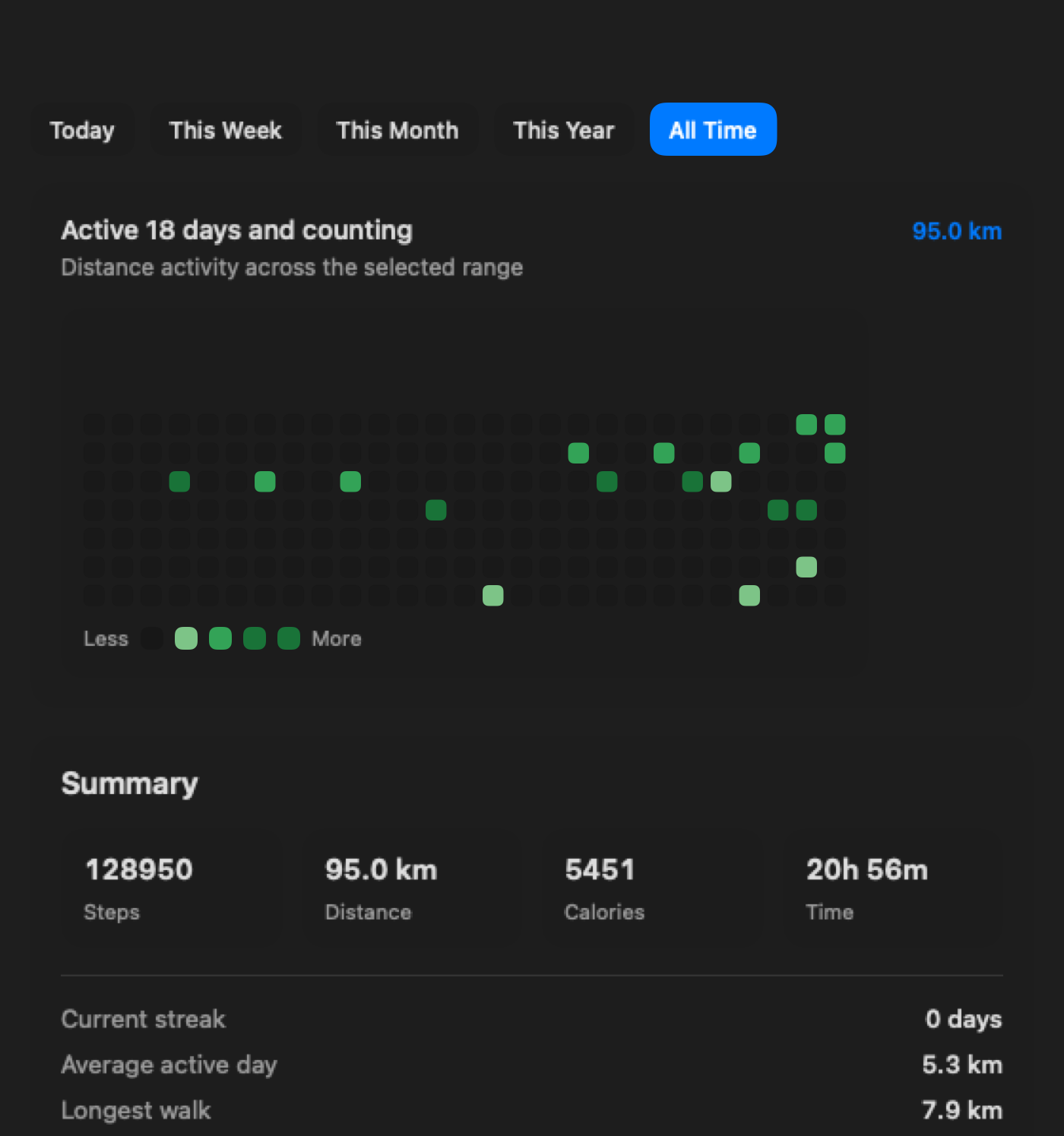
Review Paceora-controlled sessions on the Mac after each walk.
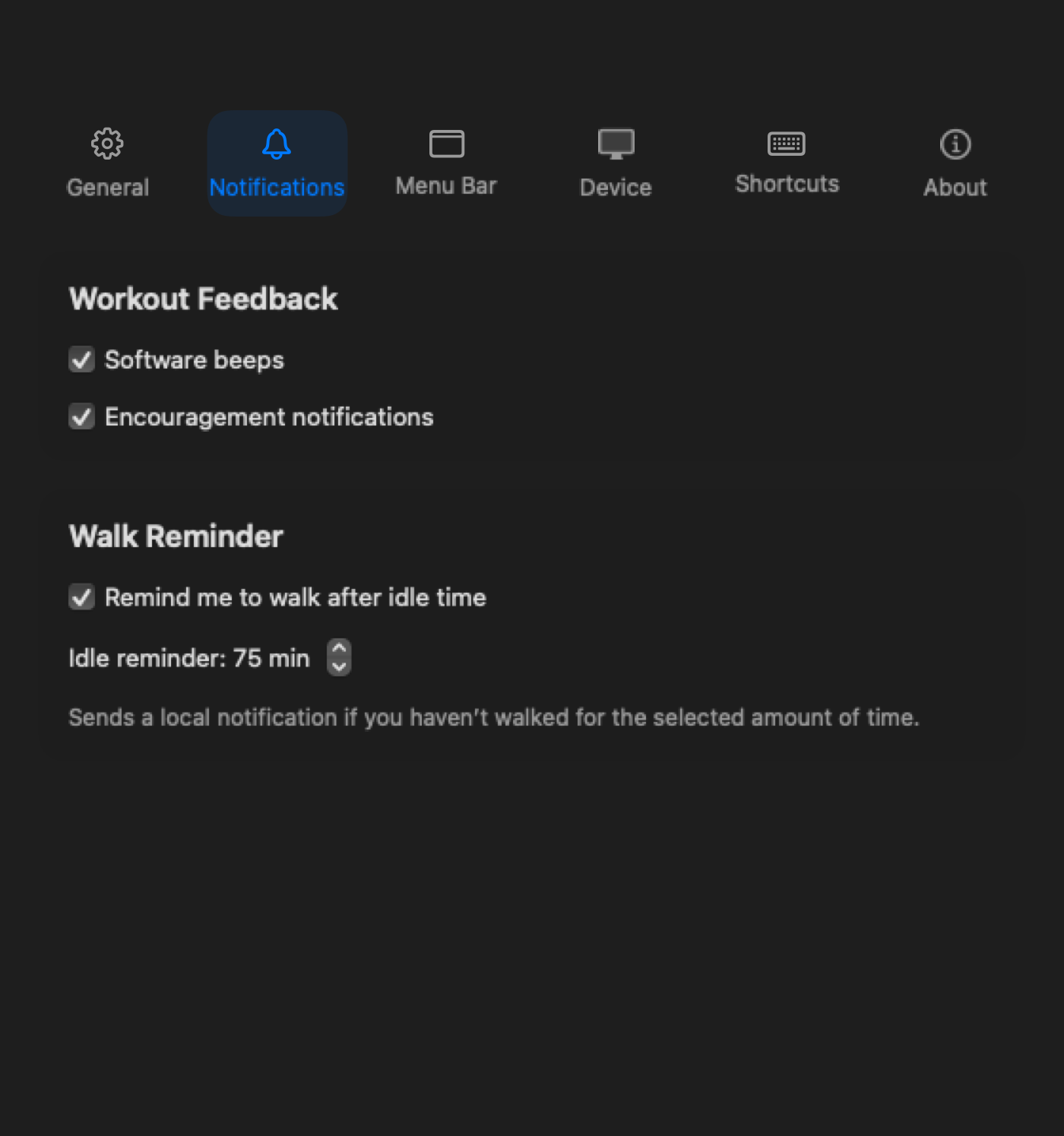
The reminder appears on the Mac where the workday is already happening.
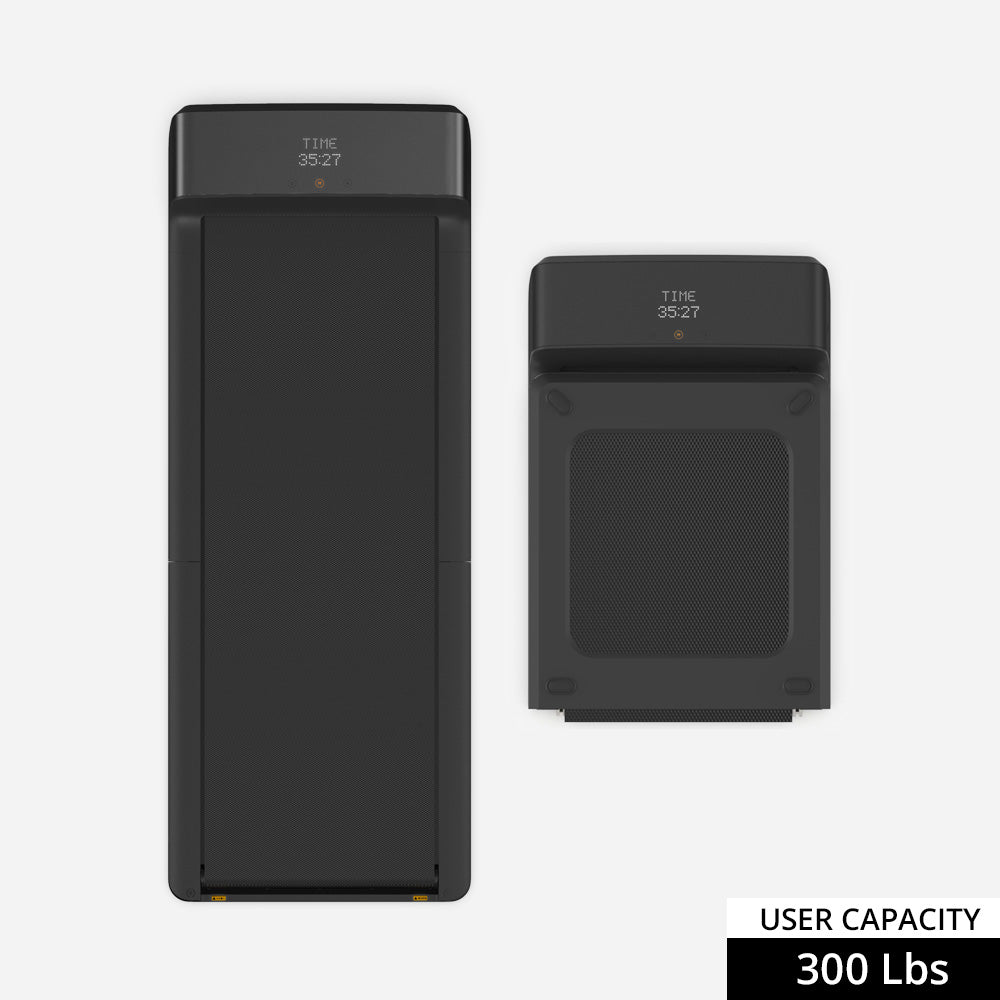
Compare the A1 Pro first for regular workday walking and control from the Mac.
The C2 is the runner-up when quick setup, storage, and shorter sessions matter most.
Skip both if you are buying for workout capability first or if your existing model is not compatible with Paceora.
For daily control on supported models, yes. Keep KS Fit available for official setup and firmware cases.
For desk work, usually. The control is already where your hands and attention are.
No. Check the compatibility page before assuming your model is supported.
If your model is supported, download Paceora. If you are deciding what to buy, start with the A1 Pro unless compact storage is the reason the C2 fits better.