The problem
The official app keeps the controls on a phone, while desk walking usually happens beside a Mac. Reaching for another device can make simple speed changes feel needlessly disruptive.
KS Fit is the official phone app. Paceora controls supported WalkingPad and KingSmith models from a Mac. They overlap in daily control, but KS Fit still matters for official setup, firmware, and manufacturer support.
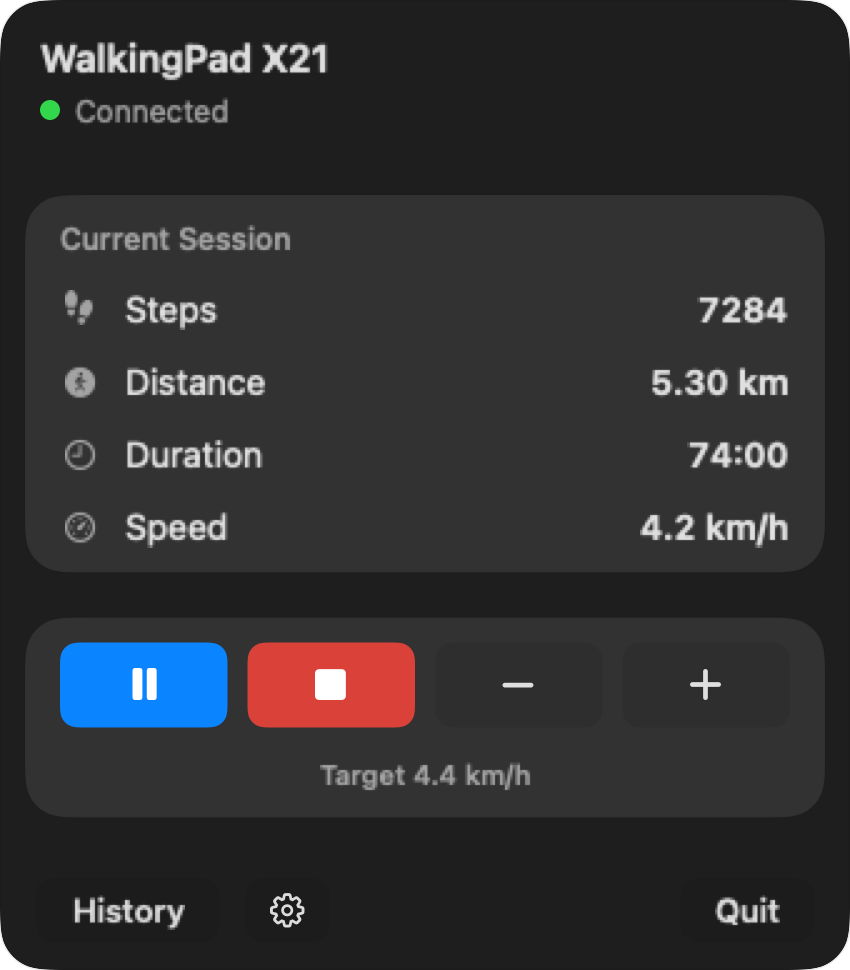
The official app keeps the controls on a phone, while desk walking usually happens beside a Mac. Reaching for another device can make simple speed changes feel needlessly disruptive.
With KS Fit, a small adjustment may mean unlocking the phone, opening the app, checking the connection, and returning to your document or call. Paceora keeps those day-to-day controls in the Mac menu bar and keyboard.
Use KS Fit for official setup, firmware, and manufacturer support. Once a supported treadmill is working, Paceora can handle start, stop, speed, history, reminders, and shortcuts from the Mac.
Check your model first. If it is supported and your pain is daily control, download Paceora. If you are still choosing hardware, start with the A1 Pro or compare the A1 Pro against the C2.
KS Fit remains the official route for setup, firmware, and manufacturer help. Paceora covers everyday desk use after a supported treadmill is ready: start, stop, speed, reminders, and history from the Mac.
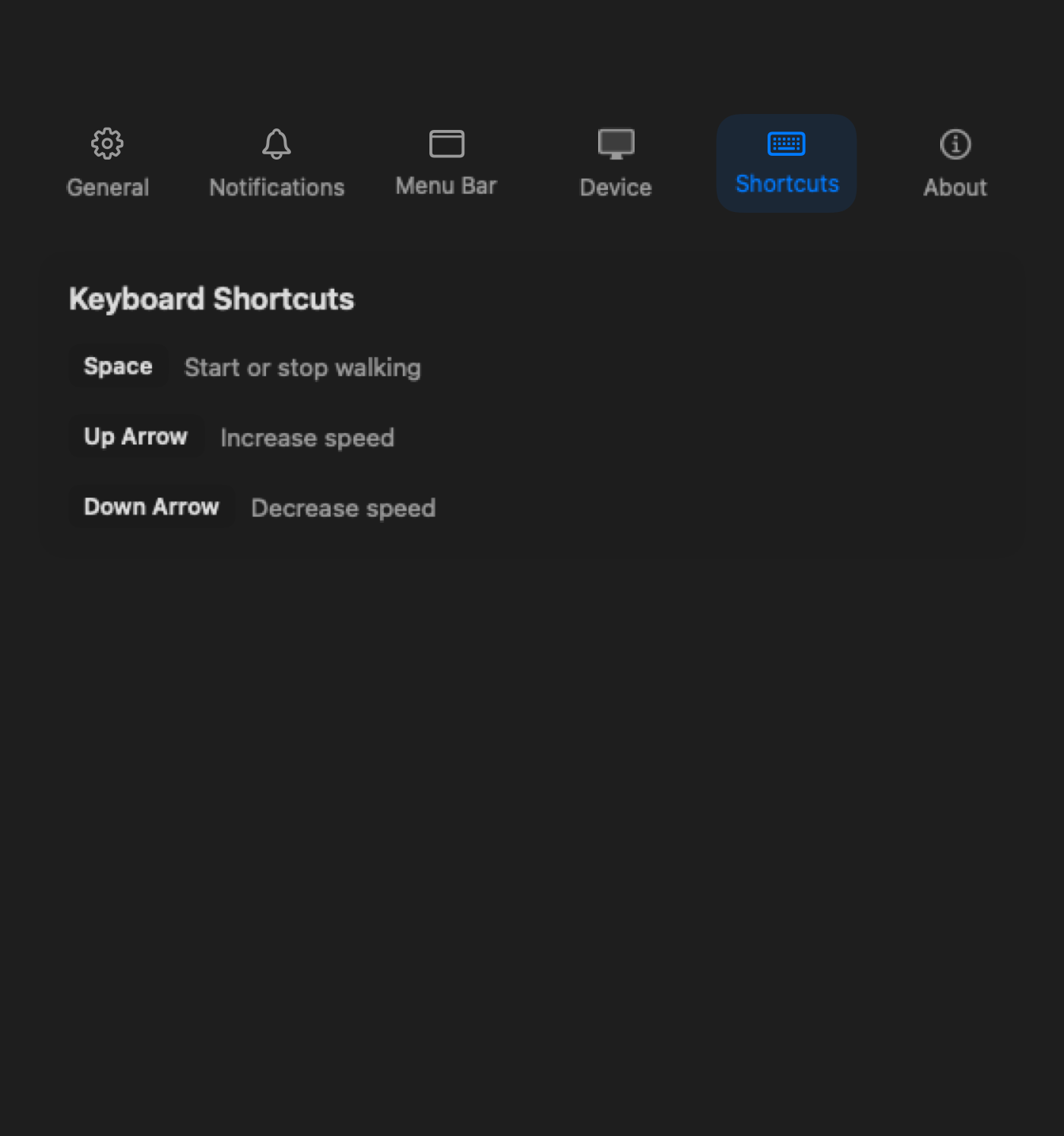
Start, stop, and speed changes can live on the keyboard instead of inside a phone app.
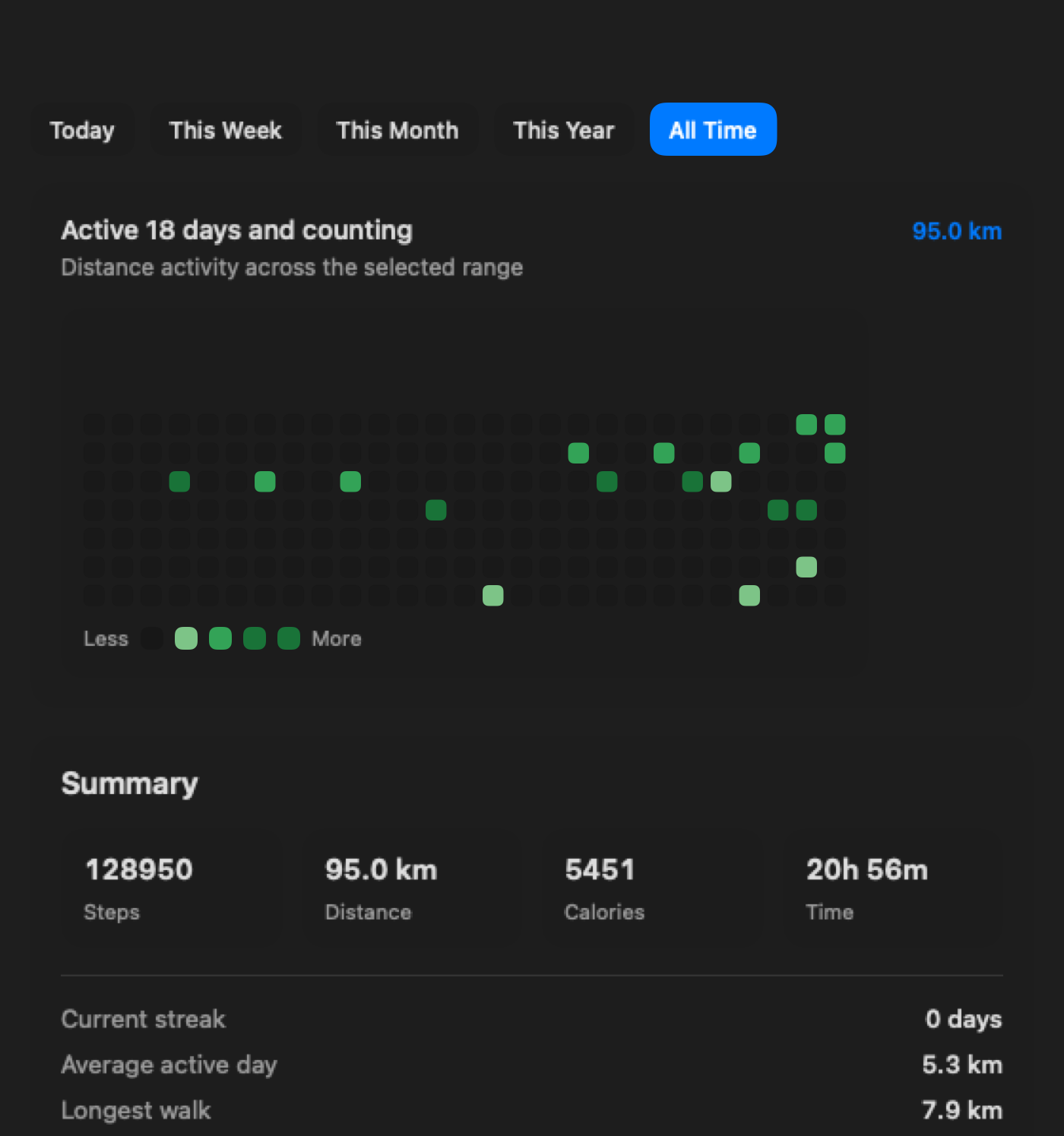
Review session history on the Mac after a desk walk.
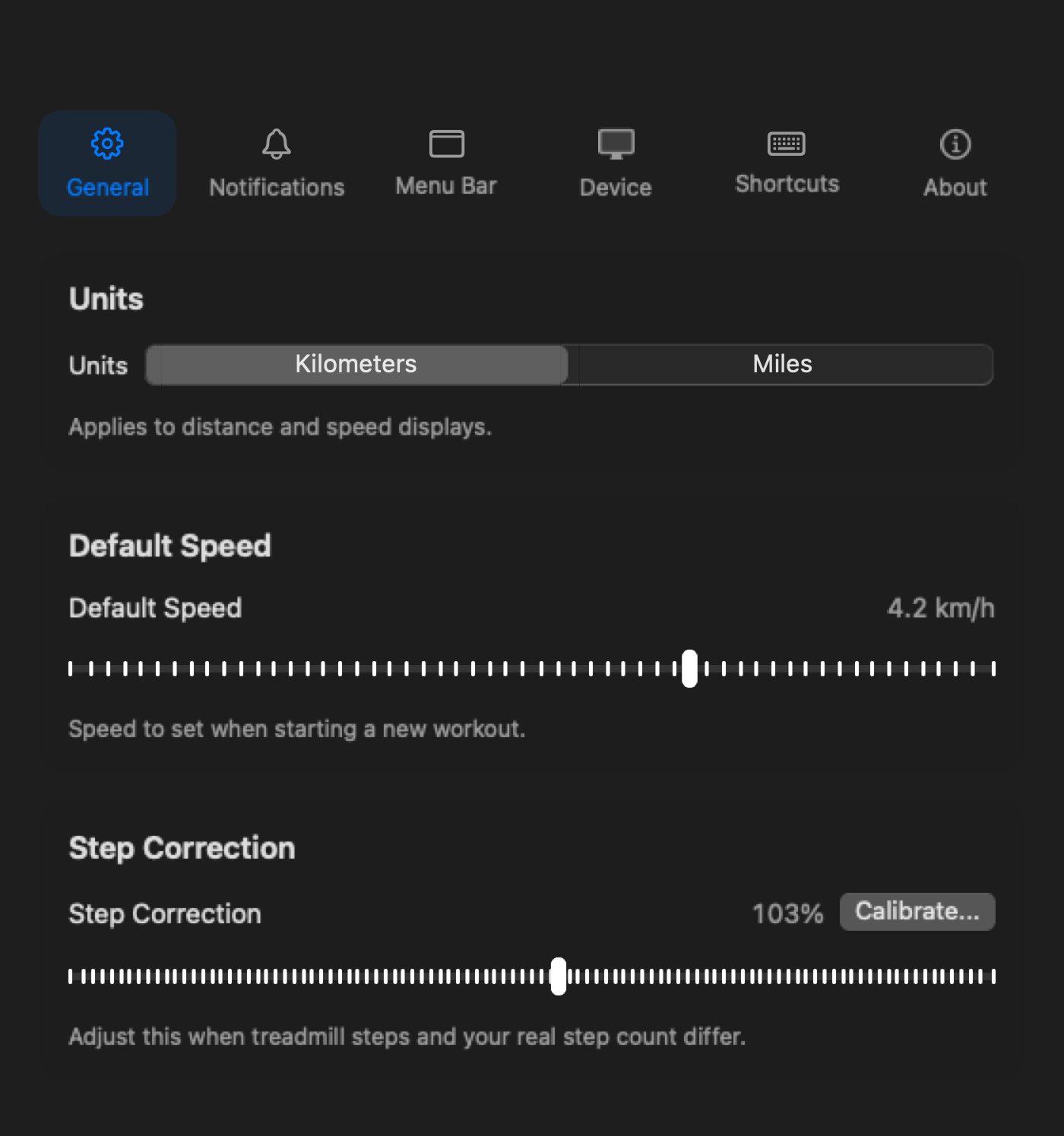
Set units, reminders, and menu bar details on the Mac.
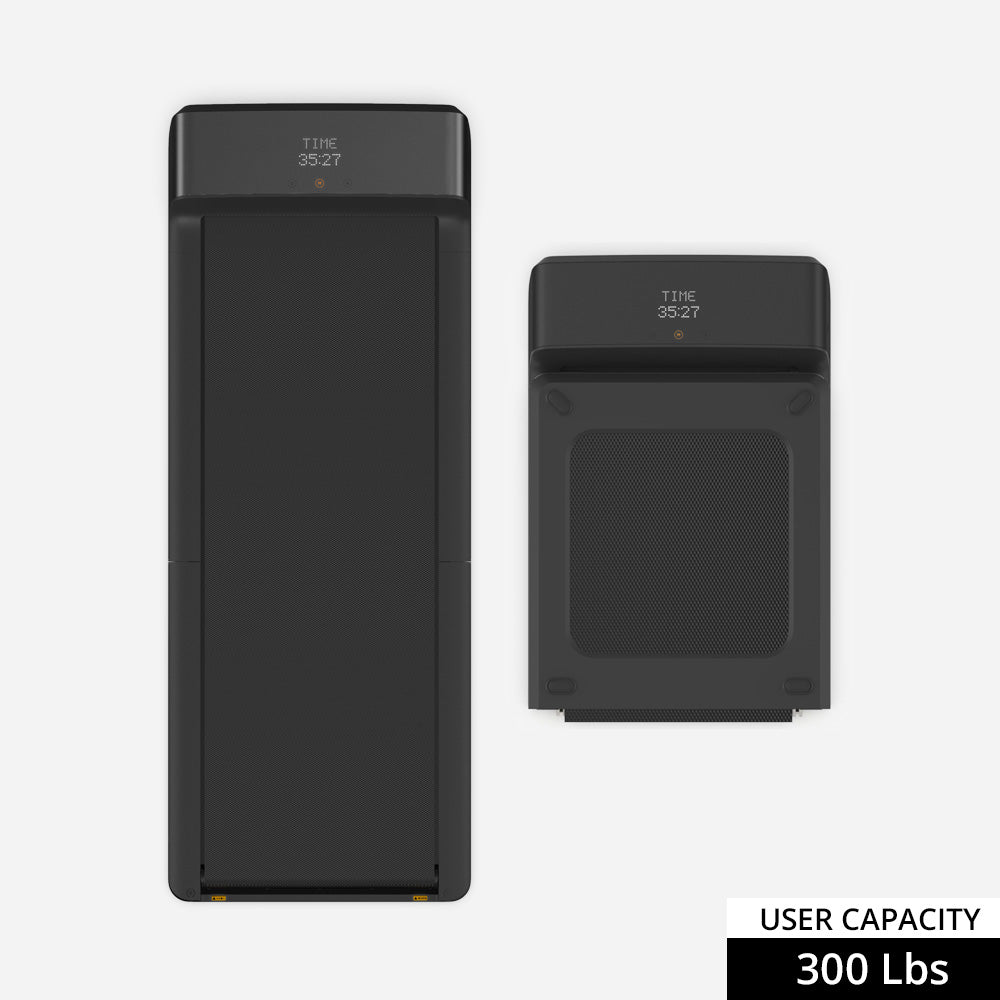
If you are buying a treadmill for regular desk walking, compare the A1 Pro first. Its steadier deck suits longer sessions without the price or room required by the larger models.
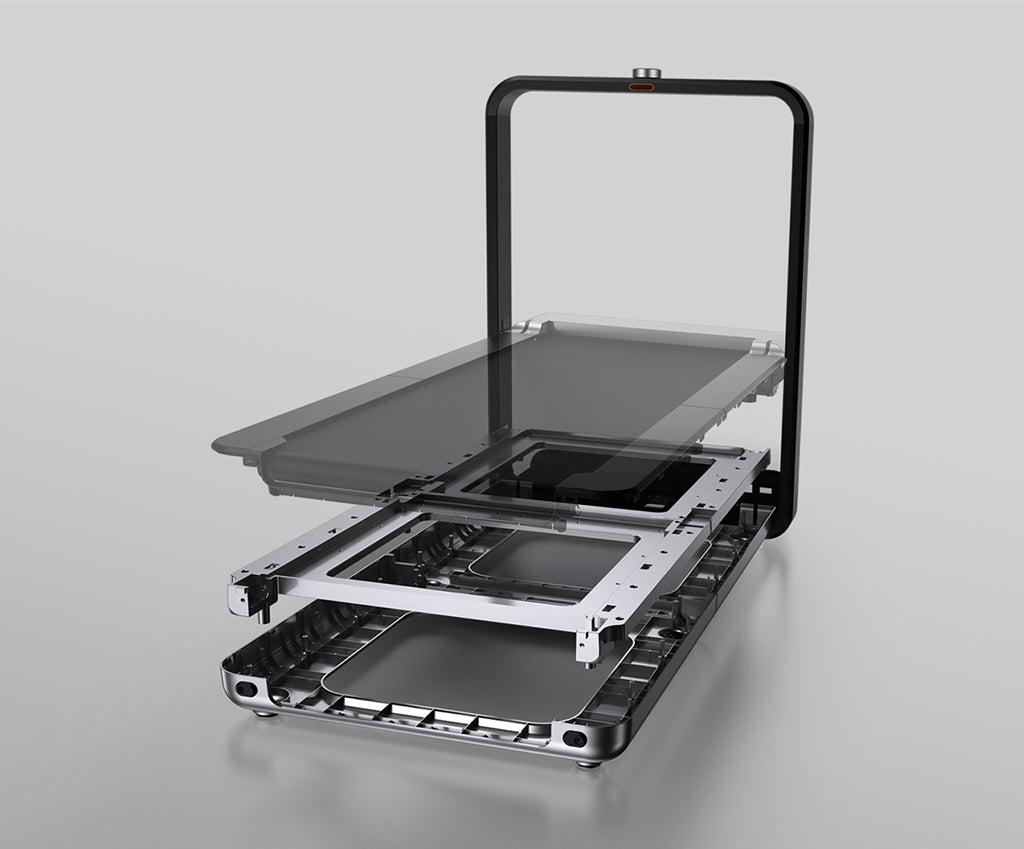
The X21 suits a dedicated office where a wider deck and upright storage justify the higher price. Paceora keeps its daily controls on the Mac.
Skip both if you need a treadmill mainly for workouts, if your model is unsupported, or if you still need the official app for firmware or setup.
For daily control from a Mac, yes. Keep KS Fit available for firmware updates, official setup, and manufacturer support.
No. Paceora is an independent macOS app and is not affiliated with KingSmith or WalkingPad.
Keep it available. You may not need it for daily control, but firmware updates or an unusual setup step can still require the official app.
Check your model first. If it is supported and your pain is daily control, download Paceora. If you are still choosing hardware, start with the A1 Pro or compare the A1 Pro against the C2.